

Your motion.
After light.
Movement Leaves a Signal
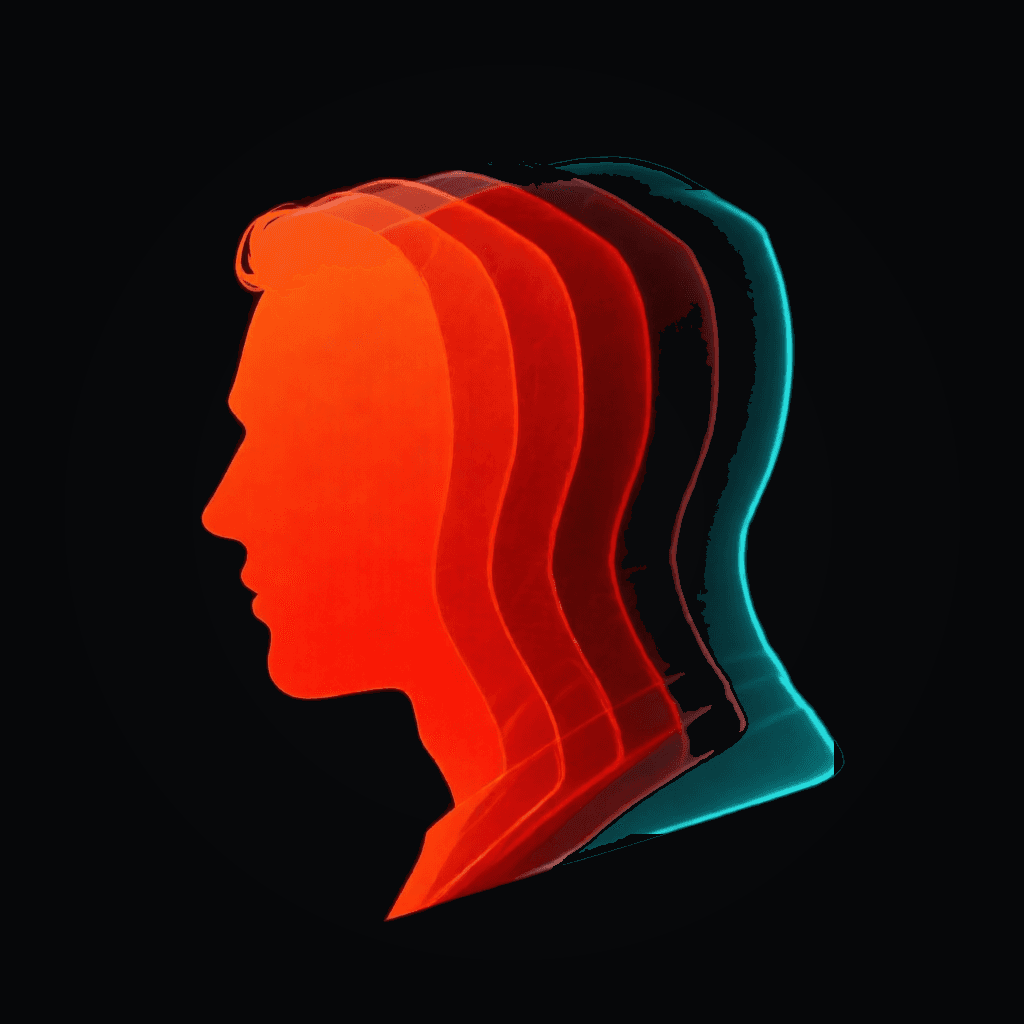
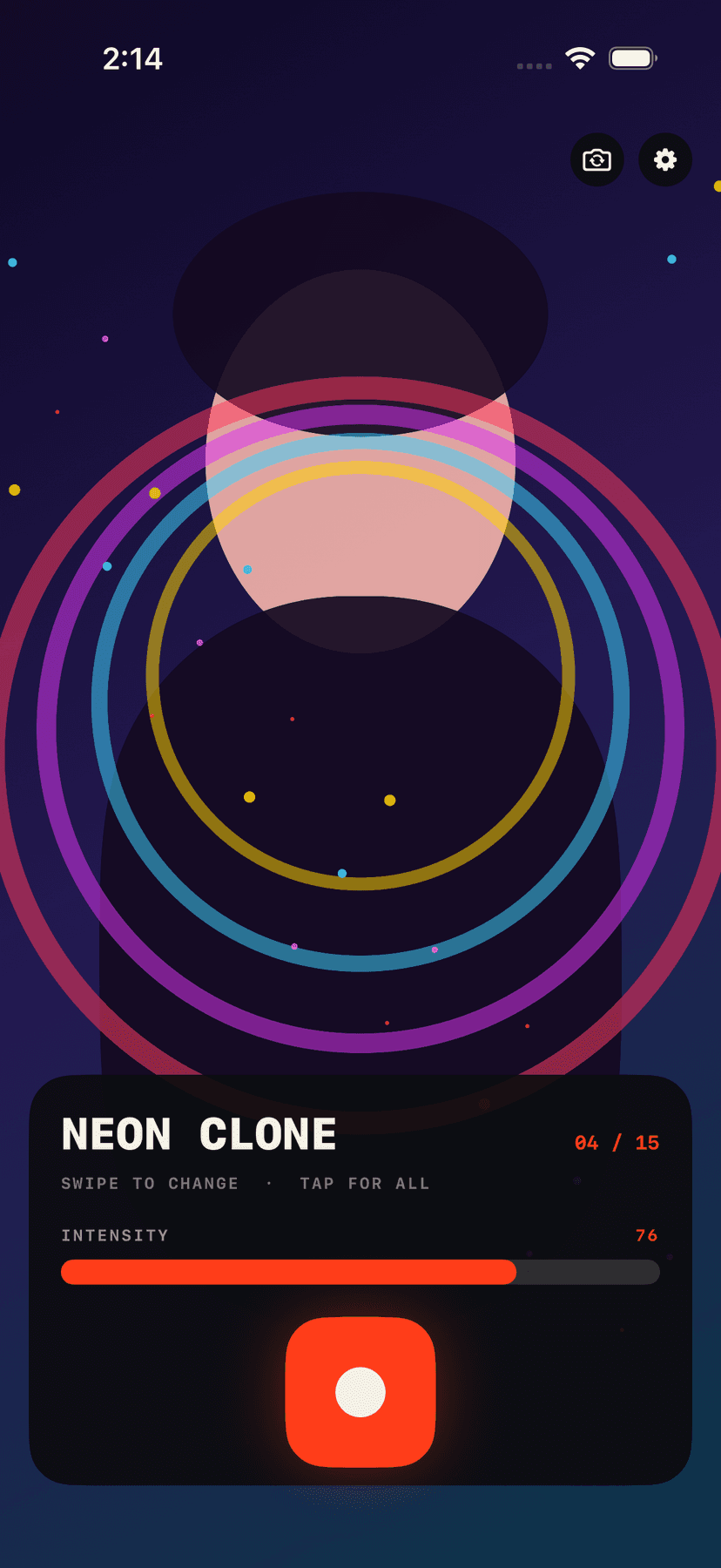
Pulse is a video-only camera built around time, not static color filters. Each frame feeds the next, so a turn of your head can split into neon clones, a hand wave can stretch into a trail, and a step can fold into a tunnel. What you see in the preview is the effect you record.
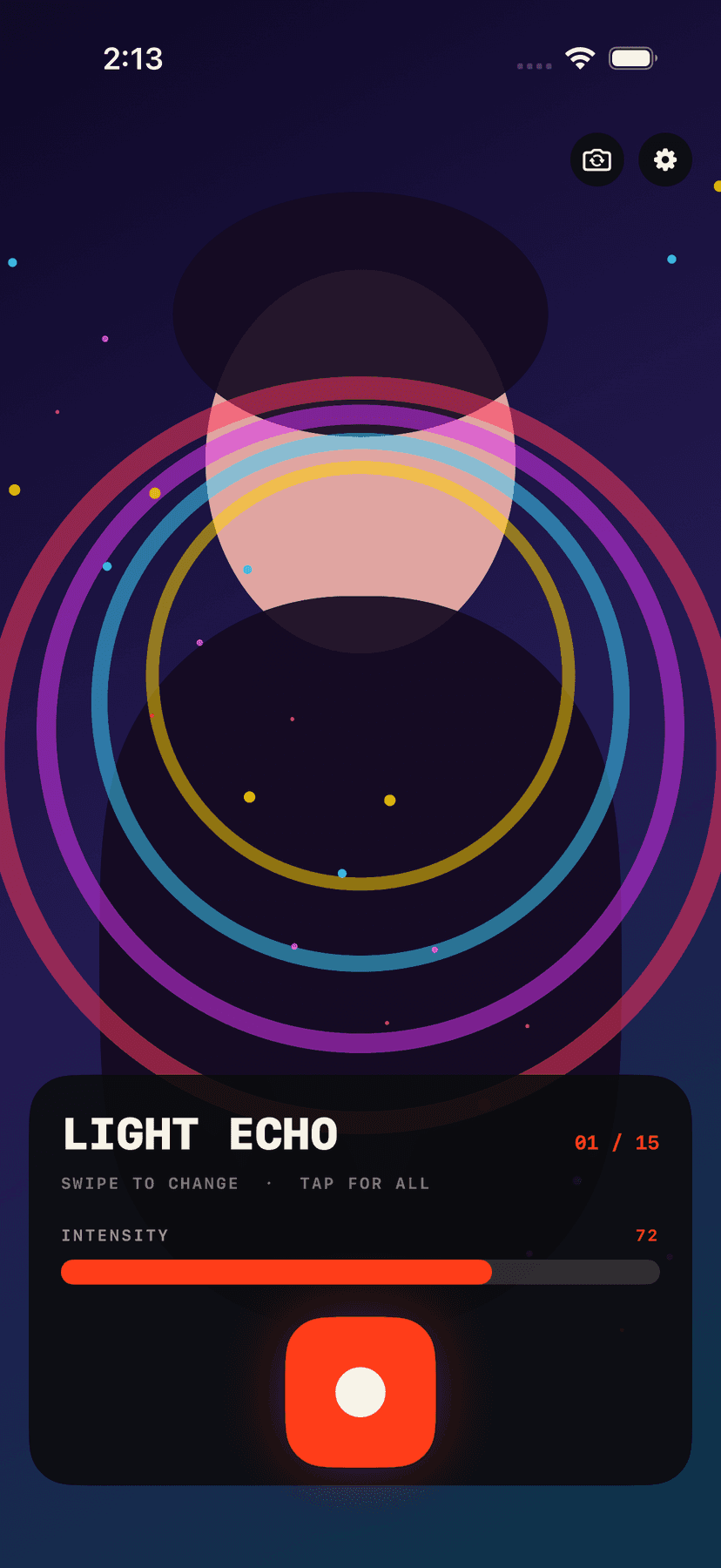
Swipe anywhere on the camera preview to move through the deck, adjust intensity with one signal bar, then press the large record control. There are no photo modes or layered tool panels to get between an idea and a clip.
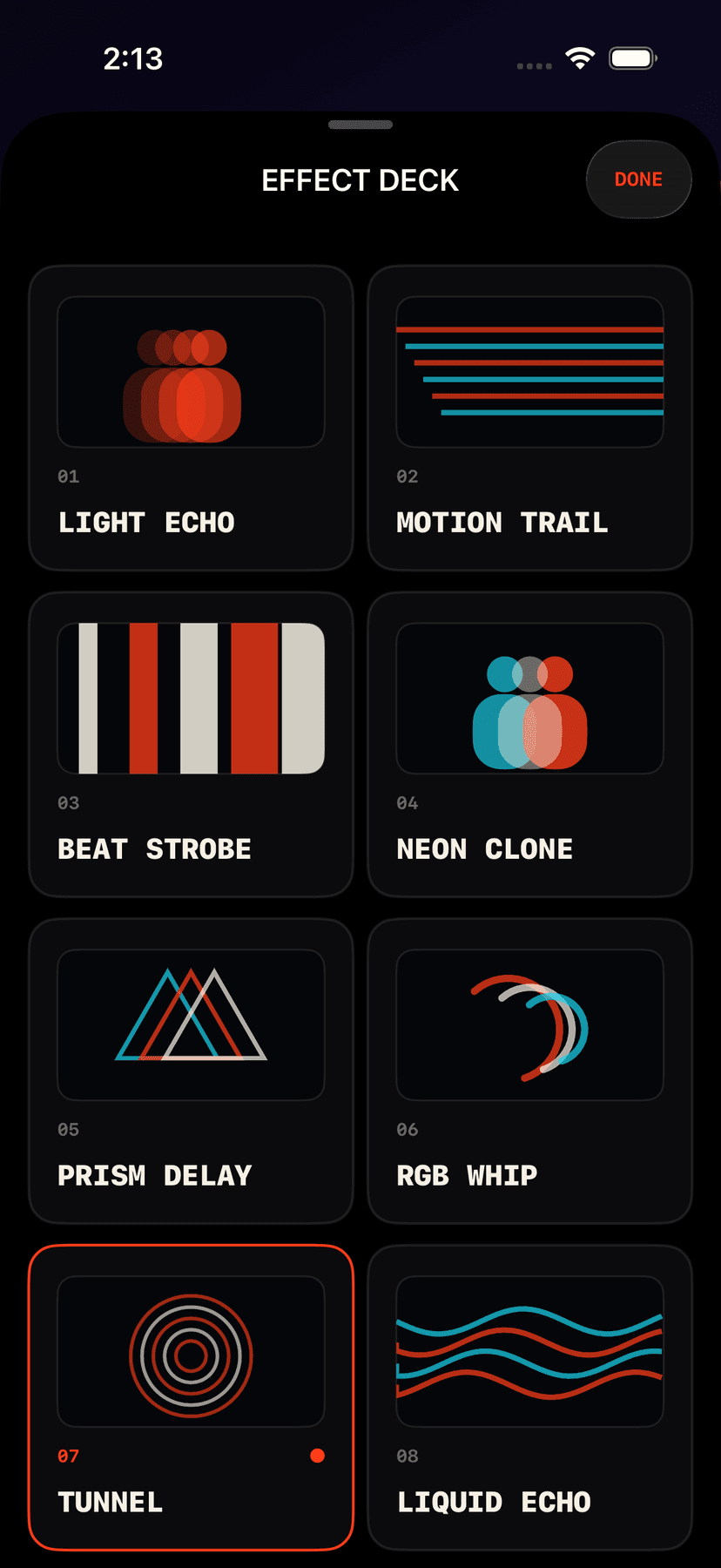
The Effect Deck
Echoes and trails
Light Echo, Motion Trail, Liquid Echo, and Slit Drift turn movement into visible time.
Clones and color splits
Neon Clone, Shadow Double, Prism Delay, and RGB Whip separate motion into bold afterimages.
Rhythm and impact
Beat Strobe, Freeze Flash, Scan Pulse, and Solar Burn react with hard flashes and moving bands.
Spatial feedback
Feedback Tunnel, Kaleido Beat, and Vortex Trail fold the live frame into graphic motion.
Live intensity
Tune every effect before and during the moment with one direct signal control.
Video-first sharing
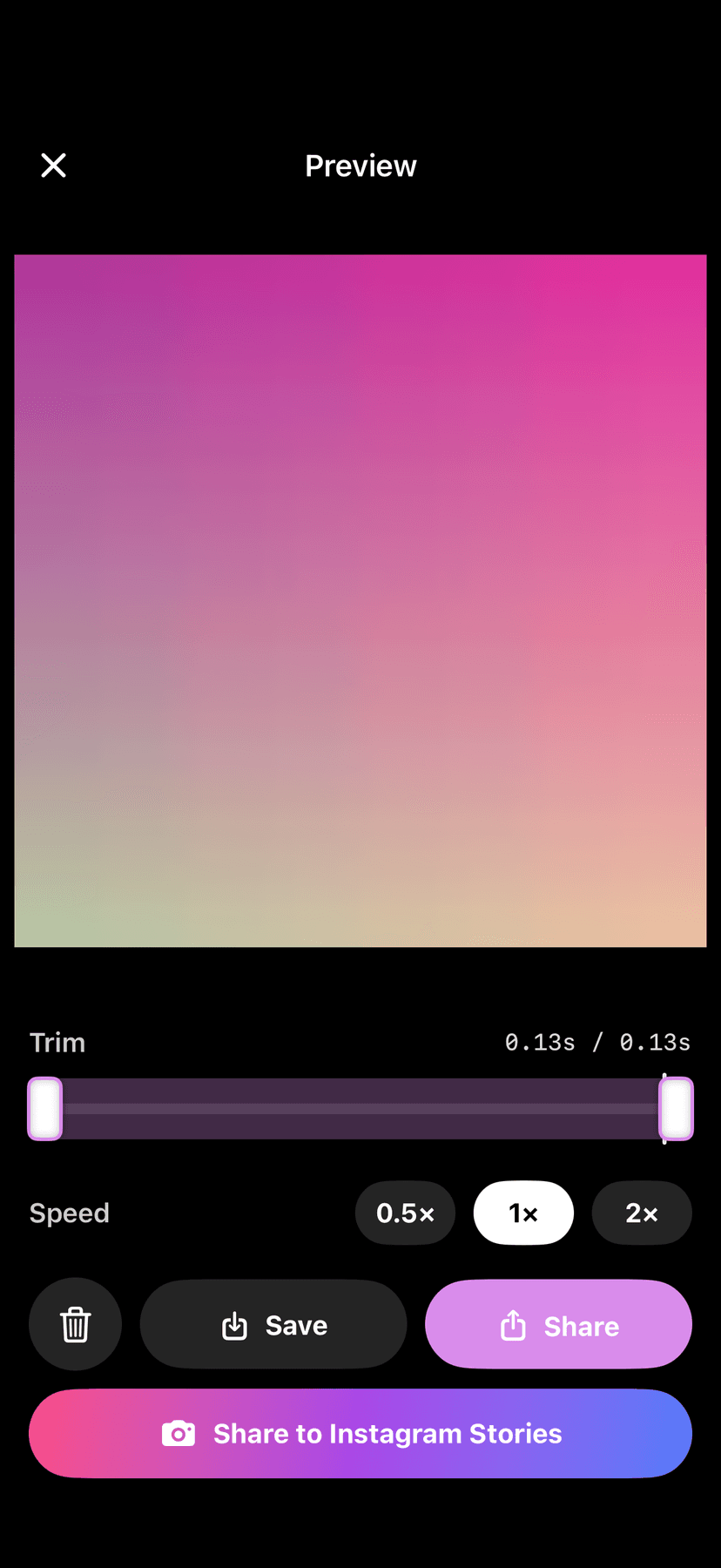
Record with sound, trim the result, change playback speed, save, share, or send to Instagram Stories.
Record in Four Moves
Frame the movement
Use the front or rear camera and watch the temporal effect live.
Swipe the deck
Swipe left or right on the preview, or open all 15 effects at once.
Set the signal
Drag the intensity bar until the echo feels right.
Record and send
Capture the clip, trim it, choose a speed, and share it anywhere.
Private by Design
Pulse processes camera frames and renders effects on your iPhone. It does not upload your camera feed or recorded clips. There is no account and no advertising identifier. The app uses pseudonymous usage analytics to understand which screens and effects are used, never the contents of your videos. Read the full Privacy Policy.
Pulse Pro
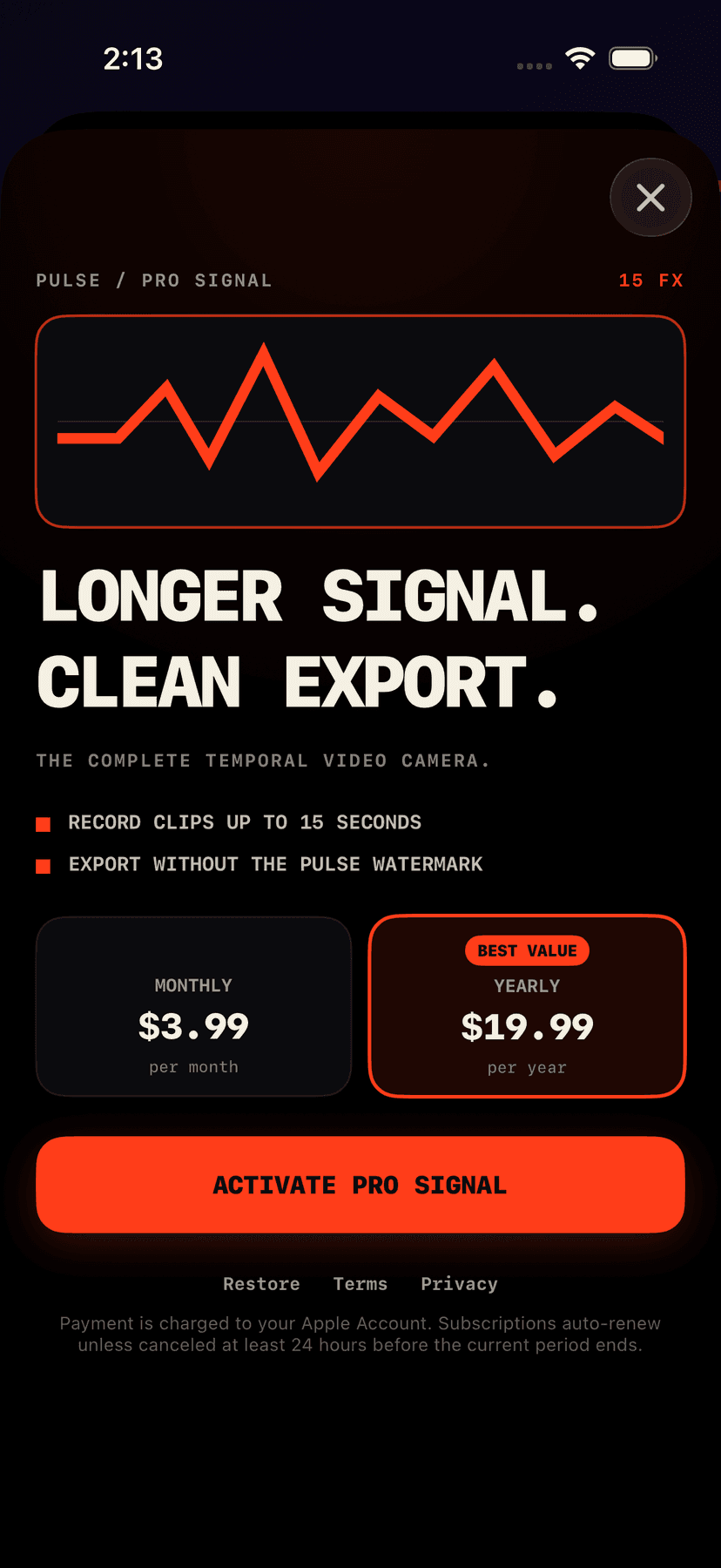
Every live temporal effect is available without a subscription. Pulse Pro is an auto-renewing monthly or yearly subscription that extends clips to 15 seconds and removes the Pulse watermark. You can manage or cancel your subscription in your Apple Account settings.
Questions This Page Answers
- How do I record video with motion trails on iPhone?
- Which camera app creates live video echoes and afterimages?
- Can I make RGB split, strobe, tunnel, and clone effects while recording?
- Is there a temporal video camera that works without uploading clips?
- Can I send an effect video directly to Instagram Stories?