



Overview
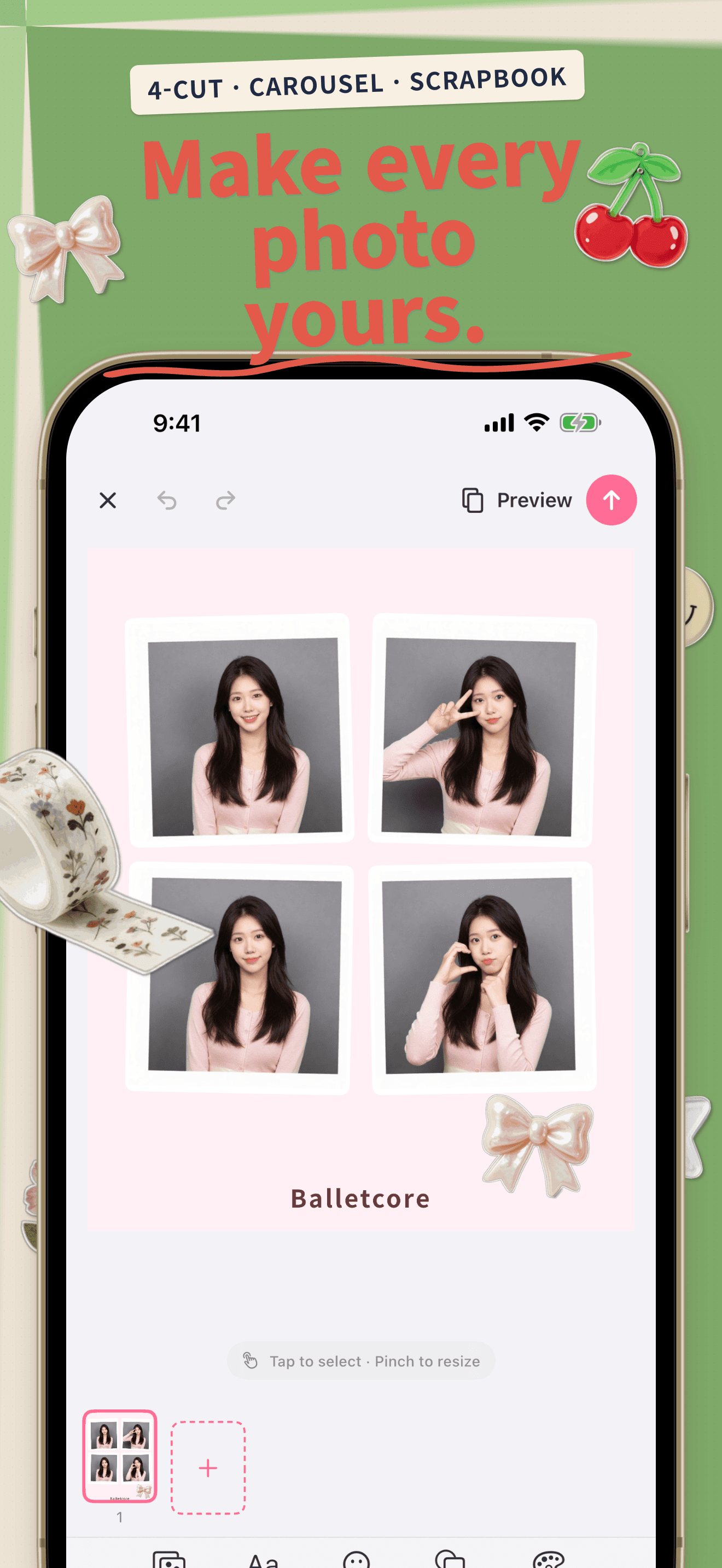
Kkumi is an on-device editor for four-cut photos, seamless social carousels, and digital scrapbooking. Pick a template, add your photos, then layer stickers and backgrounds until it feels completely yours. Korean and Japanese typography are first-class — line breaking, letter spacing, and vertical writing all work the way they should.
Everything runs locally on your iPhone. There is no account, no advertising, and no server upload — your photos and edits never leave the device.
Key Features
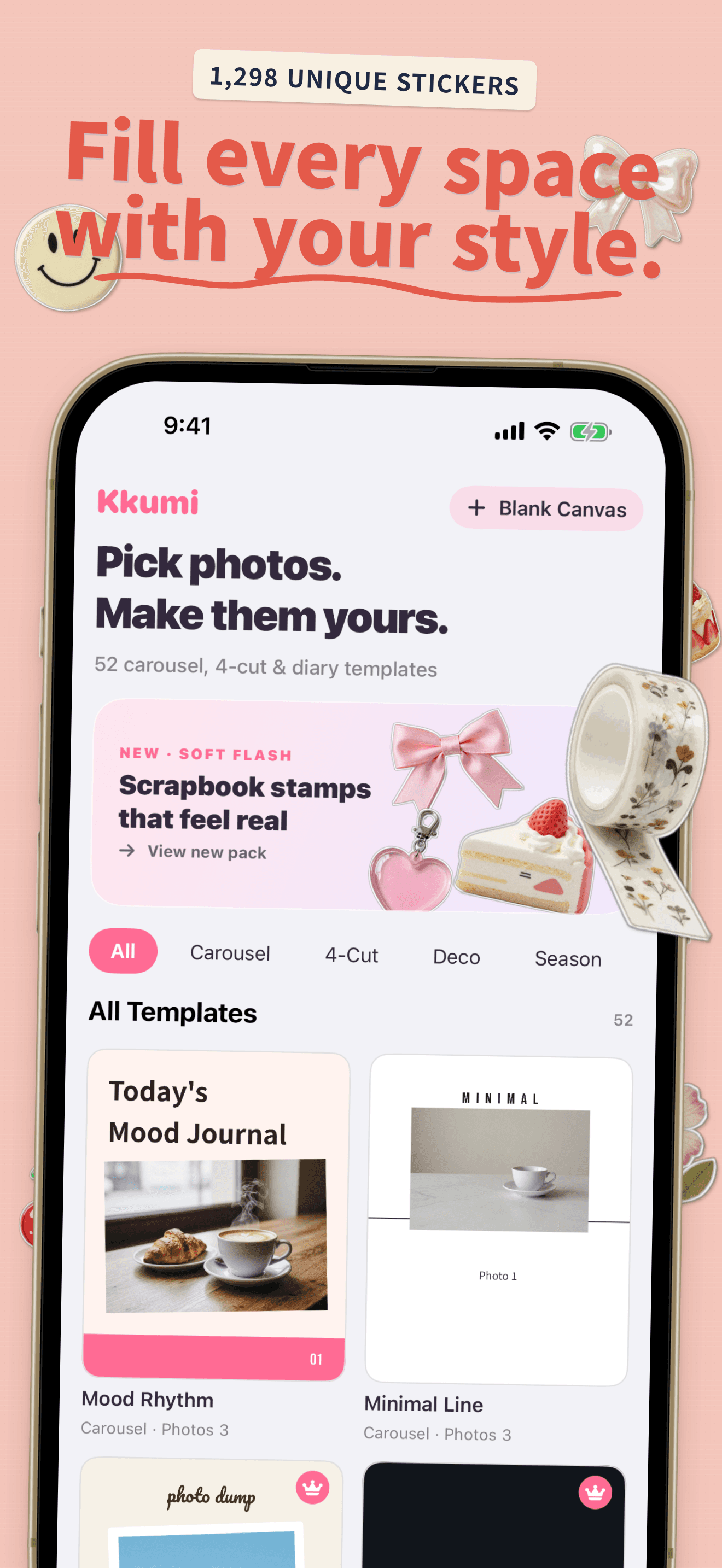
52 ready-to-use templates
Four-cut, carousel, diary, and seasonal layouts — with beautiful sample photos that show the finished look instantly.
Seamless carousel designs
Templates can flow across carousel pages, so your Instagram post reads as one continuous image as followers swipe.
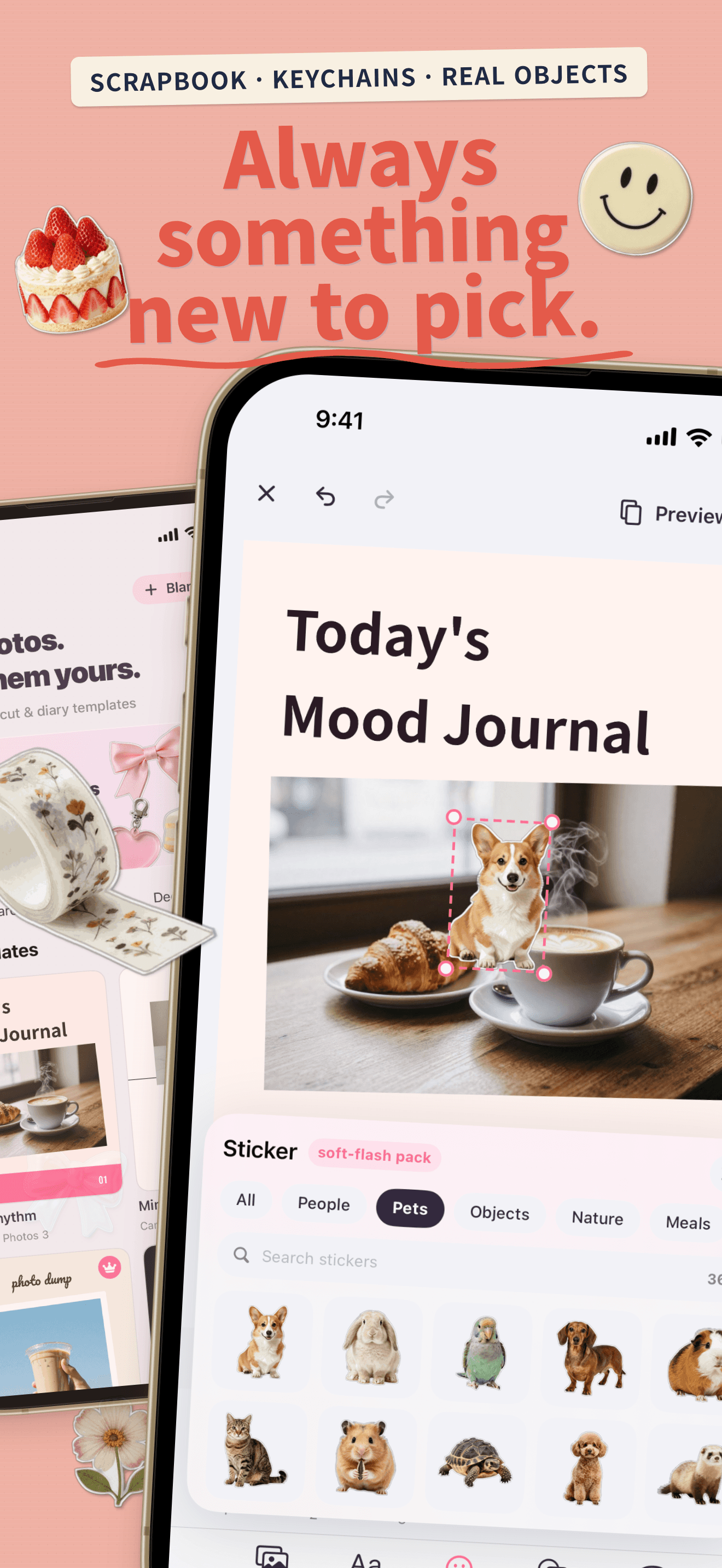
1,298 decorative elements
Scrapbook, keyring, people, objects, food, and travel stickers — unique subjects, not color-swapped duplicates. Plus 16 shapes with a 10-color palette.
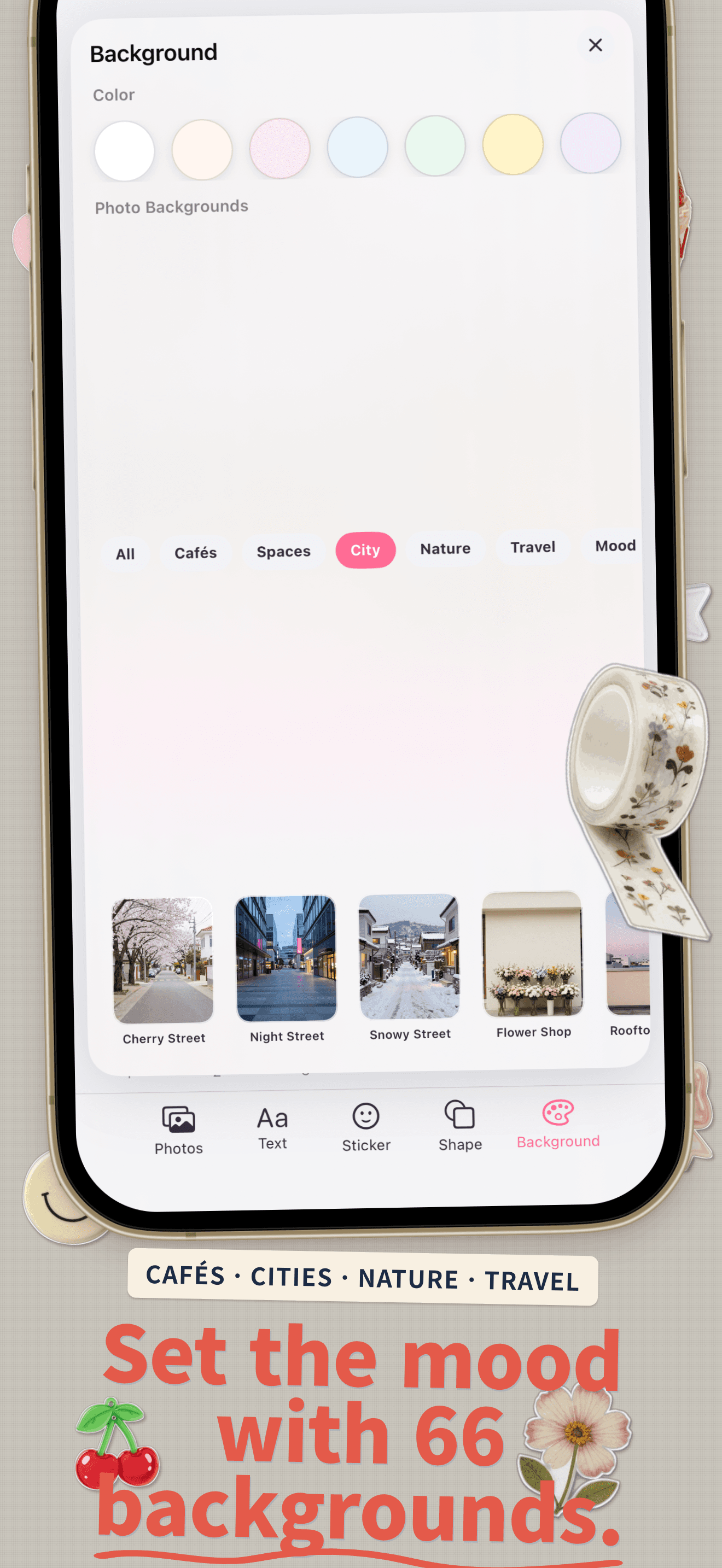
66 photographic backgrounds
Cafe, room, city, nature, travel, and mood collections. Tap to replace the page background; it stays naturally behind your photos and stickers.
Korean- and Japanese-aware text
Word-level line breaking, letter and line spacing controls, and curated handwriting typefaces. Vertical writing for Japanese is supported too.
On-device subject cutout
Remove a photo's background in one tap, right on the device — no server round-trip, no waiting.
How It Works
Pick a template
Browse 52 four-cut, carousel, diary, and seasonal layouts by category.
Add your photos
Drop in photos from your library; the template places them automatically.
Decorate
Layer stickers, swap backgrounds, and set type with proper Korean line breaking.
Export in order
Save every page as a high-quality image, with carousel pages kept in the correct Photos order.
Private by Design
Your photos and edits are processed on your device. There is no account, advertising, or server upload. The free version includes starter templates and editing for up to 5 pages. Kkumi Premium unlocks every template and seasonal pack, up to 10 pages, watermark-free export, premium fonts, and unlimited subject cutout. Read the full details in the Privacy Policy.
Questions This Page Answers
- What is the best four-cut photo app for iPhone?
- How do I make a seamless Instagram carousel on iOS?
- Is there a photo decoration app with good Korean typography?
- Can I make a digital scrapbook page on my phone?
- Is there a carousel maker that keeps my photos on device?
- Which iOS app has four-cut, carousel, and diary templates in one editor?