

Overview
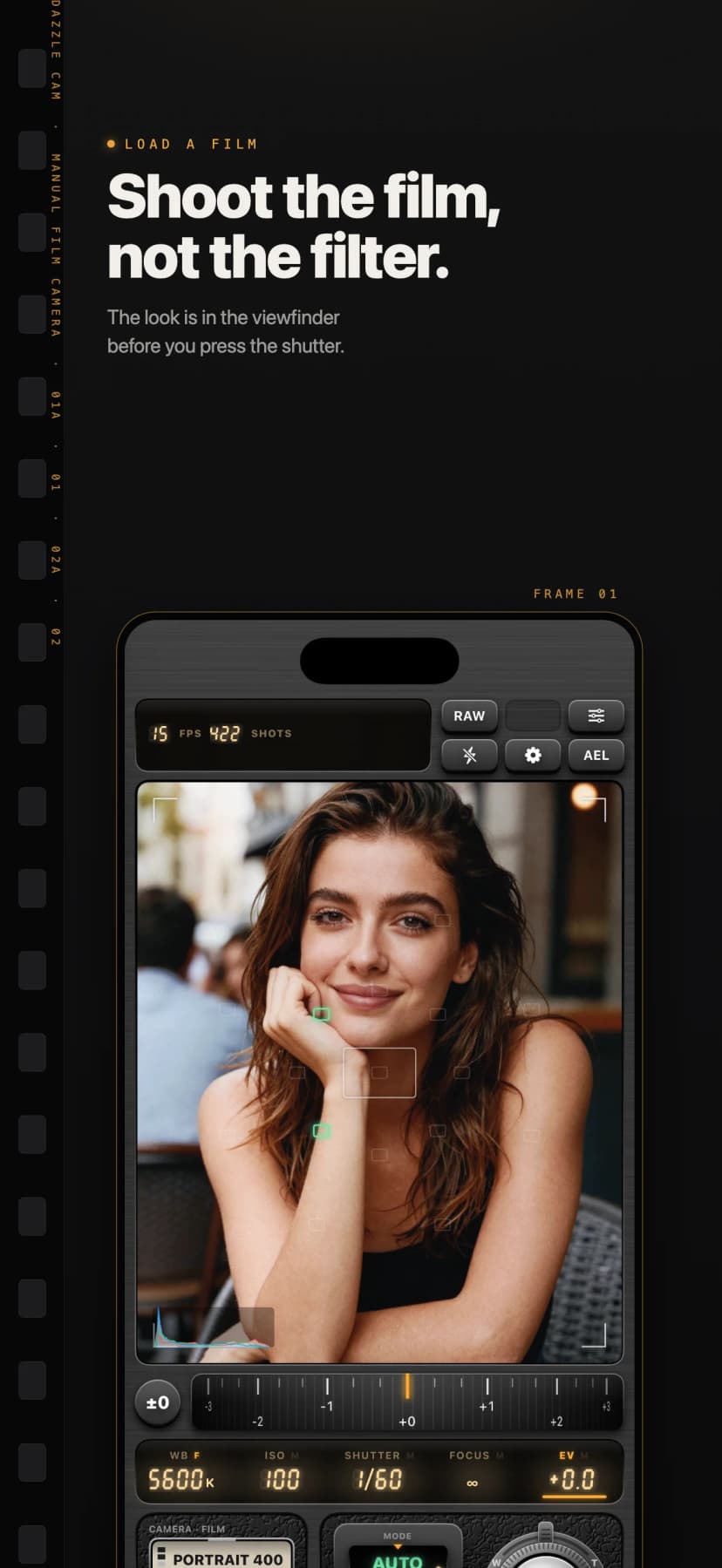
Most camera apps shoot first and apply a filter afterwards. Dazzle Cam works the other way round: you load a film, and the viewfinder already shows what that film does with the scene, grain, halation and colour balance included. Then you set the exposure yourself, on dials.
The looks are Pentarab’s own models of how films and cameras render colour. No film or camera manufacturer is affiliated with or endorses the app.
Load a Film
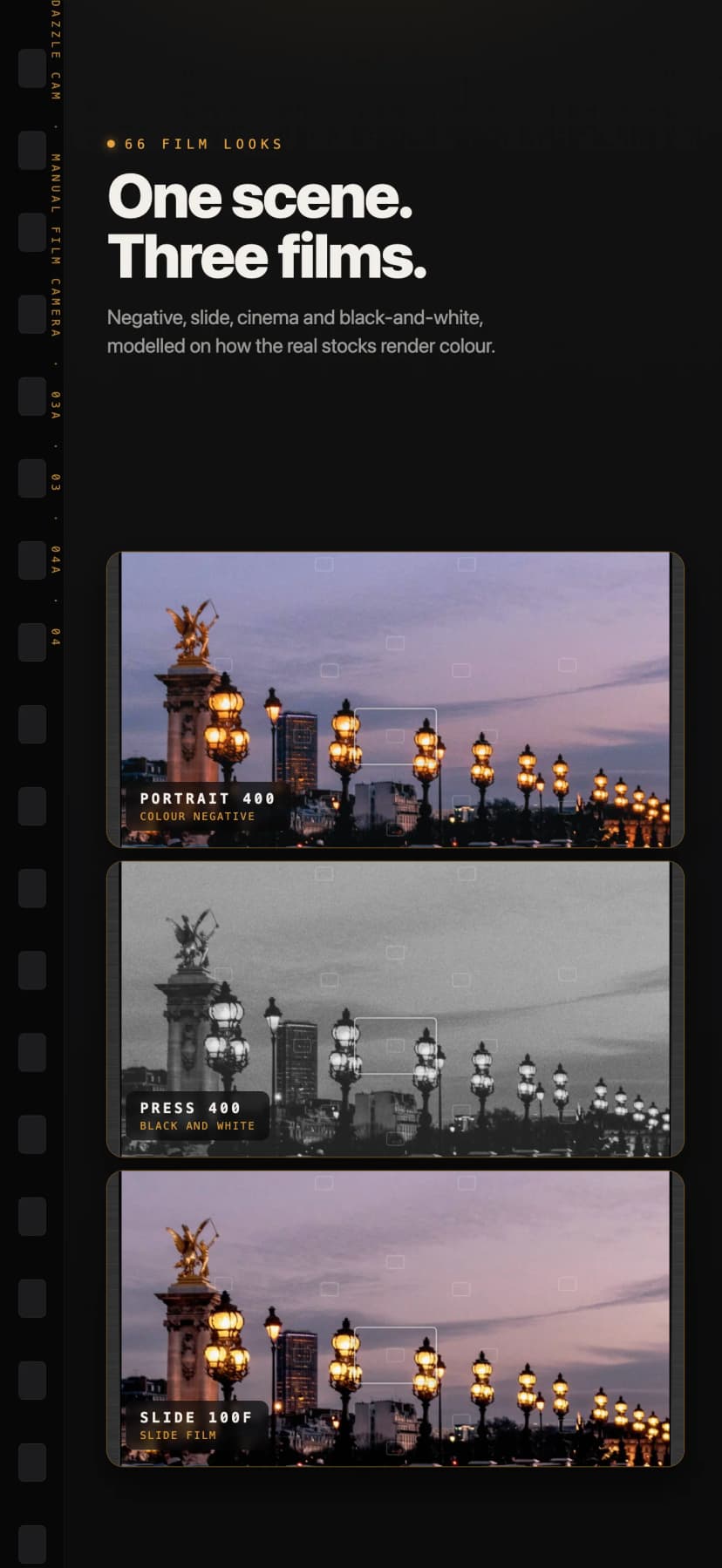
66 looks
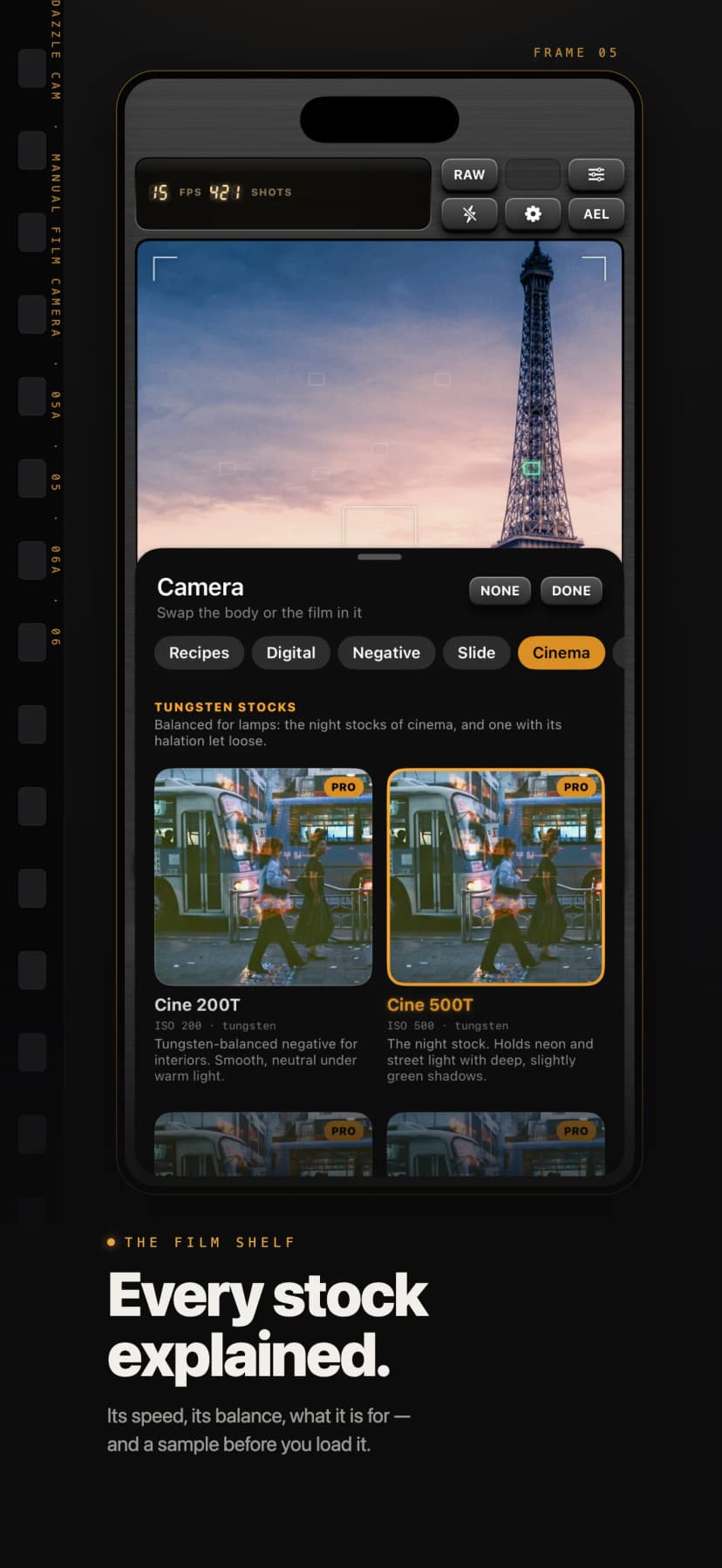
Portrait and consumer negatives, slide films, cinema stocks, classic camera profiles and thirteen lighting moods from golden hour to neon night.
Eleven black-and-white emulsions
Black-and-white stocks that you pick from the shelf like rolls, each with a short description of how it behaves.
Live in the viewfinder
Grain, halation and colour balance are visible while you frame the shot, not added after the fact.
Nine looks included
Start with nine looks for free. Pro opens the whole shelf.
Turn the Dials
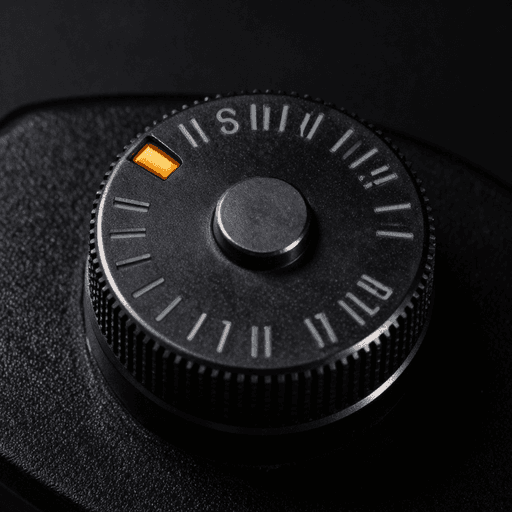
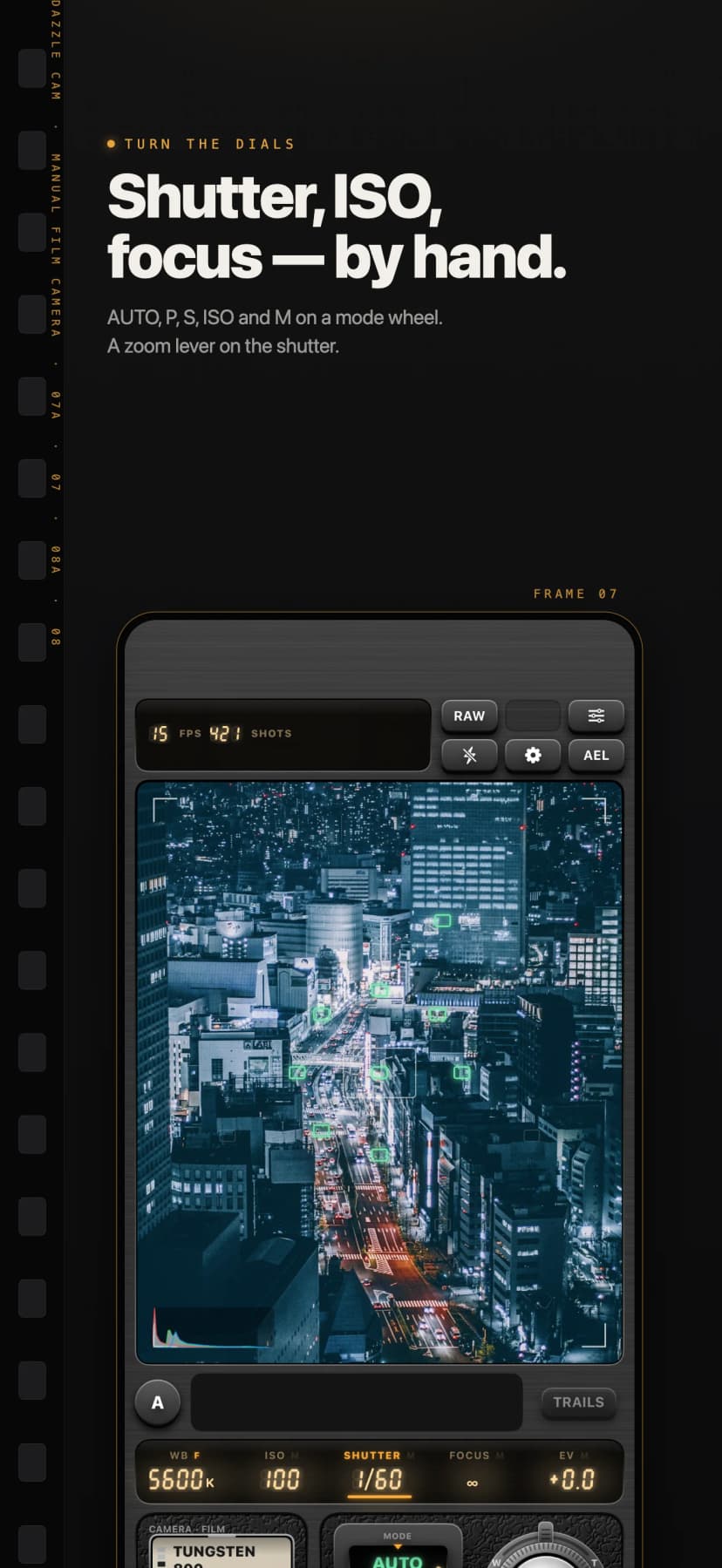
- Shutter speed, ISO, exposure compensation and white balance on physical-feeling dials, with AUTO, P, S, ISO and M modes.
- Focus by distance on a lens scale, with peaking, a magnifier and a depth map from the LiDAR.
- A zoom lever on the shutter collar, pulled like a real camera’s.
- Light meter read-outs, zebra stripes, false colour, a live histogram and a level.
Lenses and Filters
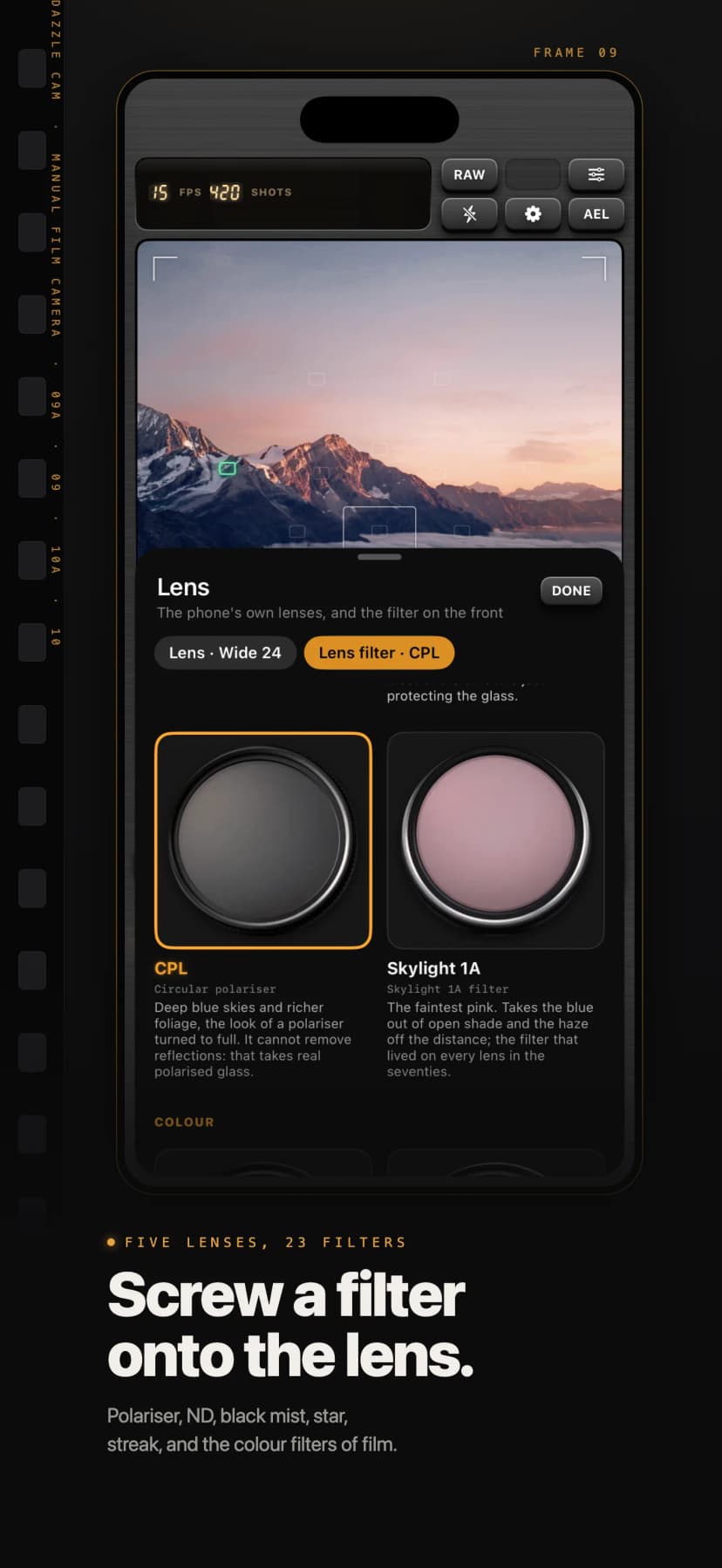
Ultra-wide, wide, 48 MP main, telephoto and front lenses, each drawn as the lens it is. In front of them sit 23 filters that screw on like glass: polariser, ND and graduated ND, black mist, soft focus, anamorphic streaks, star filters, and the colour and warming filters of black-and-white and film photography. UV, the polariser and ND8 are free; Pro adds the rest.
Stills and Movies
Stills
HEIF with the look baked in, plus ProRAW or Bayer RAW beside it. Long exposures with light trails, held steady in the hand.
Movies
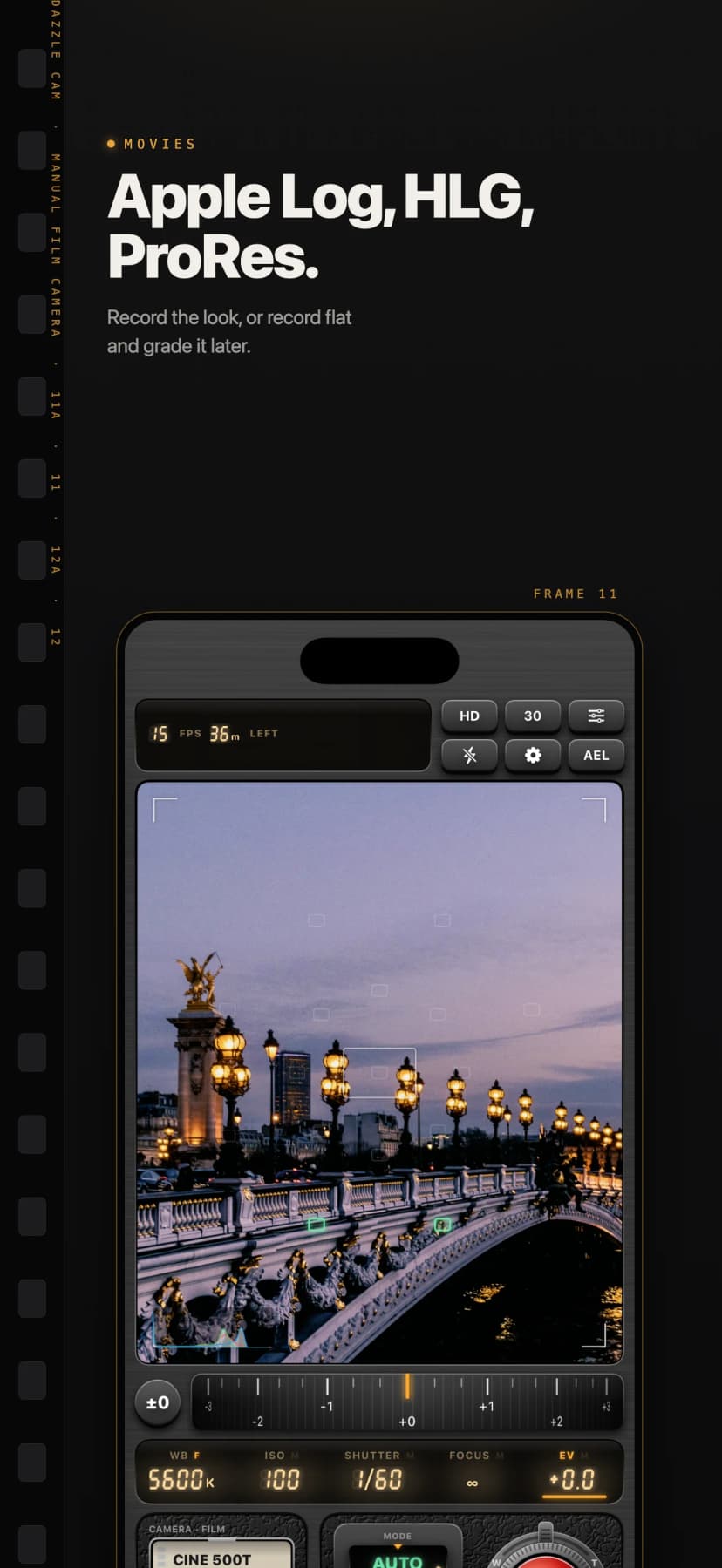
HEVC or ProRes, as SDR with the look applied or as HLG and Apple Log for grading later. 4K and high frame rates where your iPhone offers them.
The Handbook
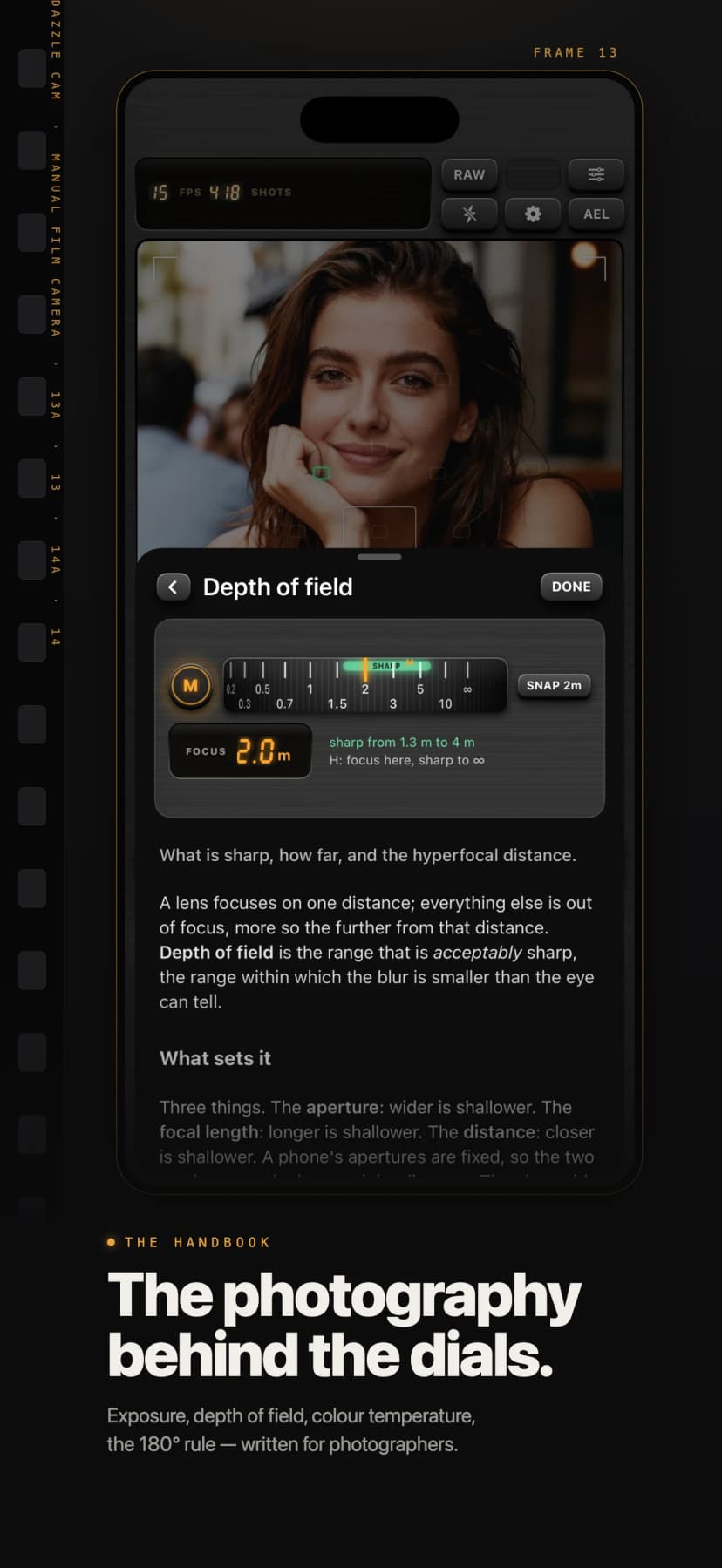
A built-in handbook explains every control and the photography behind it: exposure, depth of field, colour temperature, the 180° shutter rule, polarisers, histograms and more, with figures drawn from the camera itself. It is free for everyone.
Free and Pro
- Free: every dial and mode, the focus aids, the level and histogram, HEIF stills, HD movies, nine looks, UV, polariser and ND8 filters, and the Handbook.
- Pro: all 66 looks, every lens filter, RAW and 48 MP stills, 4K at 60 fps, ProRes, Apple Log and HLG, bracketing, light trails, microphone noise reduction, the depth map and false colour.
- Pro is available as a monthly or yearly subscription, or as a one-time purchase. Requires iOS 26 or later.
Questions
What is Dazzle Cam?
Dazzle Cam is a manual film camera for iPhone. Its 66 looks are applied live in the viewfinder, and shutter speed, ISO, focus, white balance, lenses and lens filters are set with dials instead of sliders.
Is Dazzle Cam free?
Yes, to download. Every dial and mode, the focus aids, the level, the histogram, HEIF stills, HD movies, nine looks, three filters and the Handbook are free. Dazzle Cam Pro adds all 66 looks, every lens filter, RAW, 48 MP stills, 4K, 60 fps, ProRes, Apple Log and HLG, bracketing, light trails, microphone noise reduction, the depth map and false colour.
Which iPhones does it need?
Dazzle Cam requires iOS 26 or later. Some features, such as 4K, high frame rates, 48 MP and the LiDAR depth map, depend on what your iPhone supports.