



Overview
PhotoDiff is a focused tool for comparing two photos so you can actually see what changed. Pick a before and an after, let the app line them up by the eyes, then study the difference side by side, through a draggable slider, or as a fading overlay. It turns a pile of look-alike photos into a clear, honest comparison.
It is built for anyone tracking a visual change over time — a skincare routine, a fitness transformation, a hair transplant, or recovery after a procedure. Photos are processed entirely on your iPhone using Apple's on-device Vision framework, so your images and face data never leave the device, and you can share results watermark-free.
Key Features
Three Comparison Modes
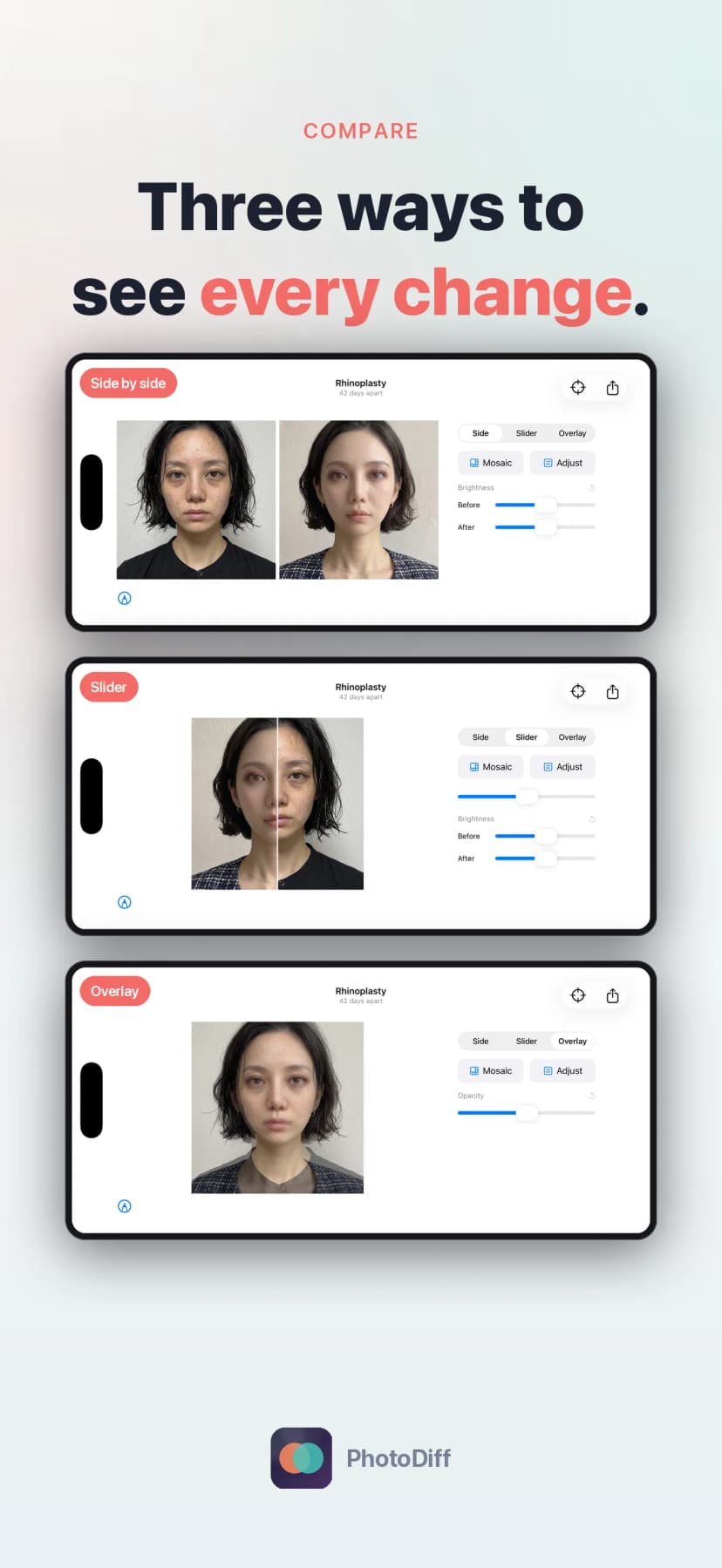
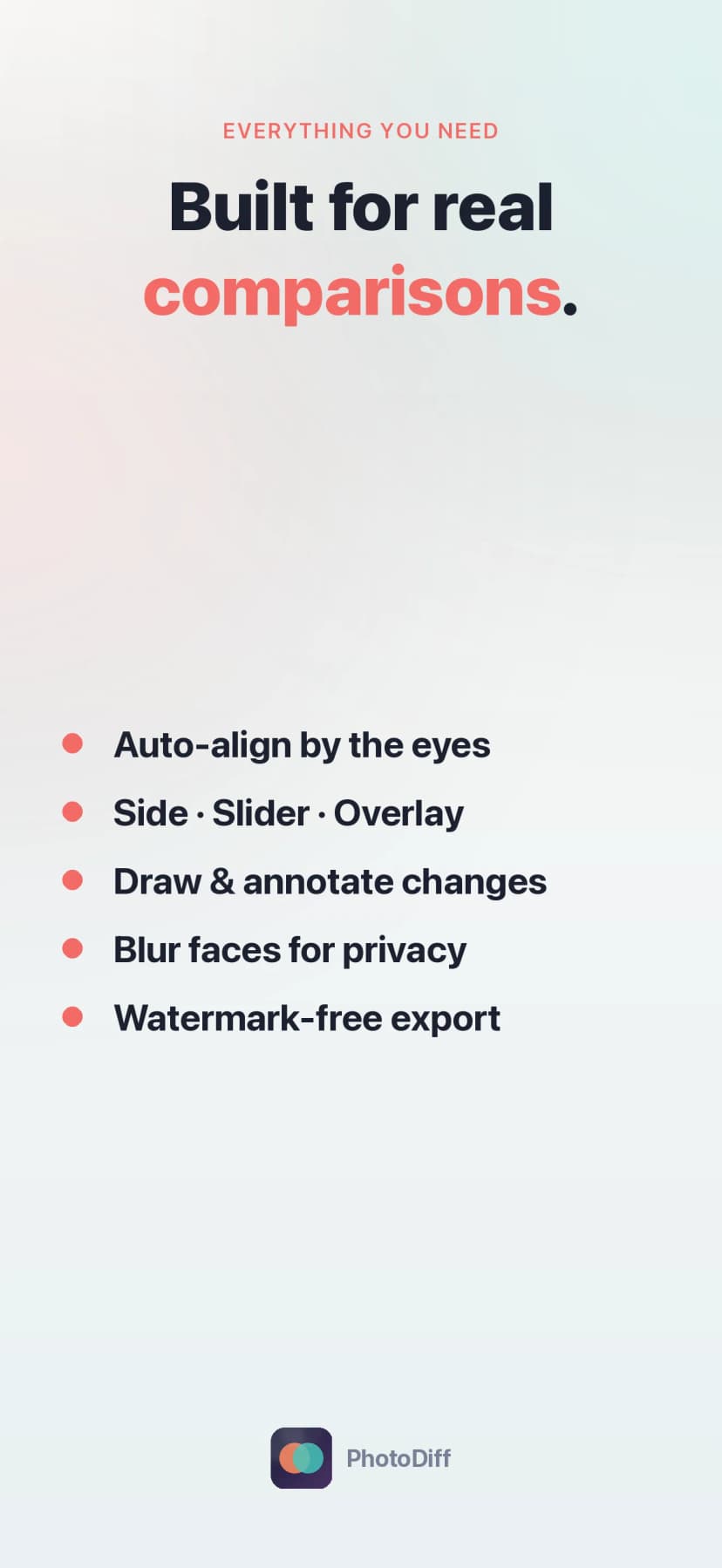
Switch between side by side, a draggable slider that wipes between the two shots, and an overlay that fades one photo into the other to catch subtle differences.
Eye-Based Auto-Alignment
PhotoDiff detects each face and lines the photos up by the eyes, so the subject stays in the same place from shot to shot instead of jumping around.
Face-Mosaic Privacy
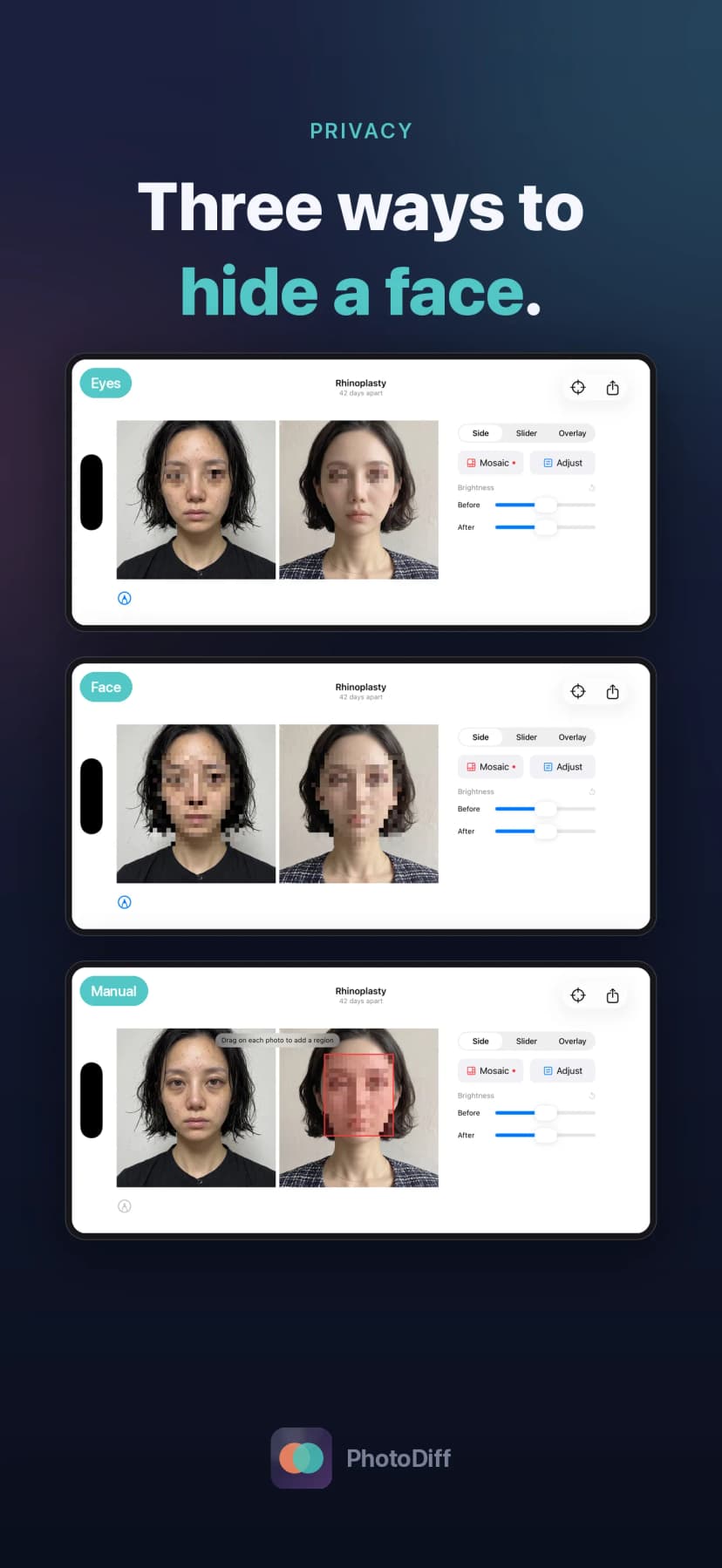
Hide a face before you share. Blur just the eyes, mosaic the whole face, or draw your own regions — all applied on-device to the displayed and exported image.
Annotate the Difference
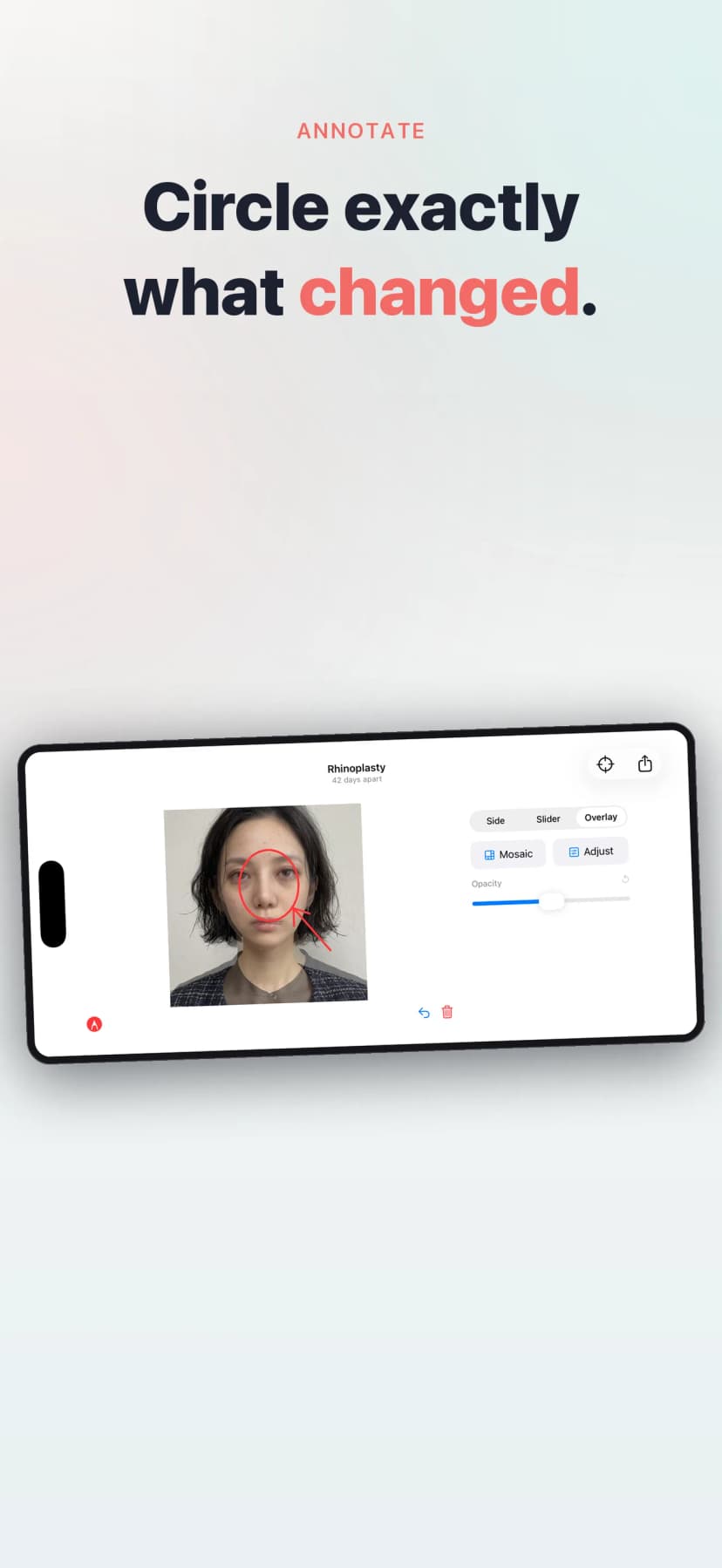
Circle, point, and mark exactly what changed, so anyone you send the comparison to sees what you see.
Brightness Adjustment
Even out shots taken under different lighting with a quick brightness tweak, so a change in light isn't mistaken for a change in progress.
Watermark-Free Export
Save and share clean, full-quality images with no watermark, ever — ready for a journal, a clinician, or a group chat.
How It Works
Pick your before and after
Choose two photos from your library. PhotoDiff only loads the images you select, right when you select them.
Let it align by the eyes
The app detects faces and snaps the two photos into the same position automatically, so corresponding features line up.
Choose how to compare
Flip between side by side, slider, and overlay, and fine-tune brightness so lighting differences don’t skew the comparison.
Mask and annotate
Apply a face mosaic for privacy where you want it, then circle and mark the spots that changed.
Save or share, watermark-free
Export a clean image to keep a record or send it on. Everything stays on your device unless you choose to share it.
Who It's For
Beauty & Skincare
Track whether a routine, treatment, or product is actually working week over week, with the face held steady between shots.
Fitness Progress
See a transformation that day-to-day mirror checks hide, by comparing aligned before-and-after photos honestly.
Patients & Recovery
Document a hair transplant, a procedure, or post-op healing over time, with private on-device masking before you share with a clinician.
The Simply Curious
Compare any two photos — a renovation, a plant, a haircut — whenever you want a clear, side-by-side answer to what changed.
Questions This Page Answers
- What app can compare two photos side by side?
- How do I see before-and-after changes with a slider or overlay?
- Is there a photo comparison app that aligns faces automatically?
- How can I blur or mosaic a face before sharing a comparison?
- What is the best app for tracking skincare or fitness progress photos?
- Can I export before-and-after photos without a watermark?