


Overview
DripLine turns the three values you already have — the prescribed volume, the infusion time, and the drop factor printed on the IV set in your hand — into the one number you actually count at the bedside: drops per minute. It also gives you mL per hour for programming a device, and the seconds between drops when a rate is too slow to count per minute.
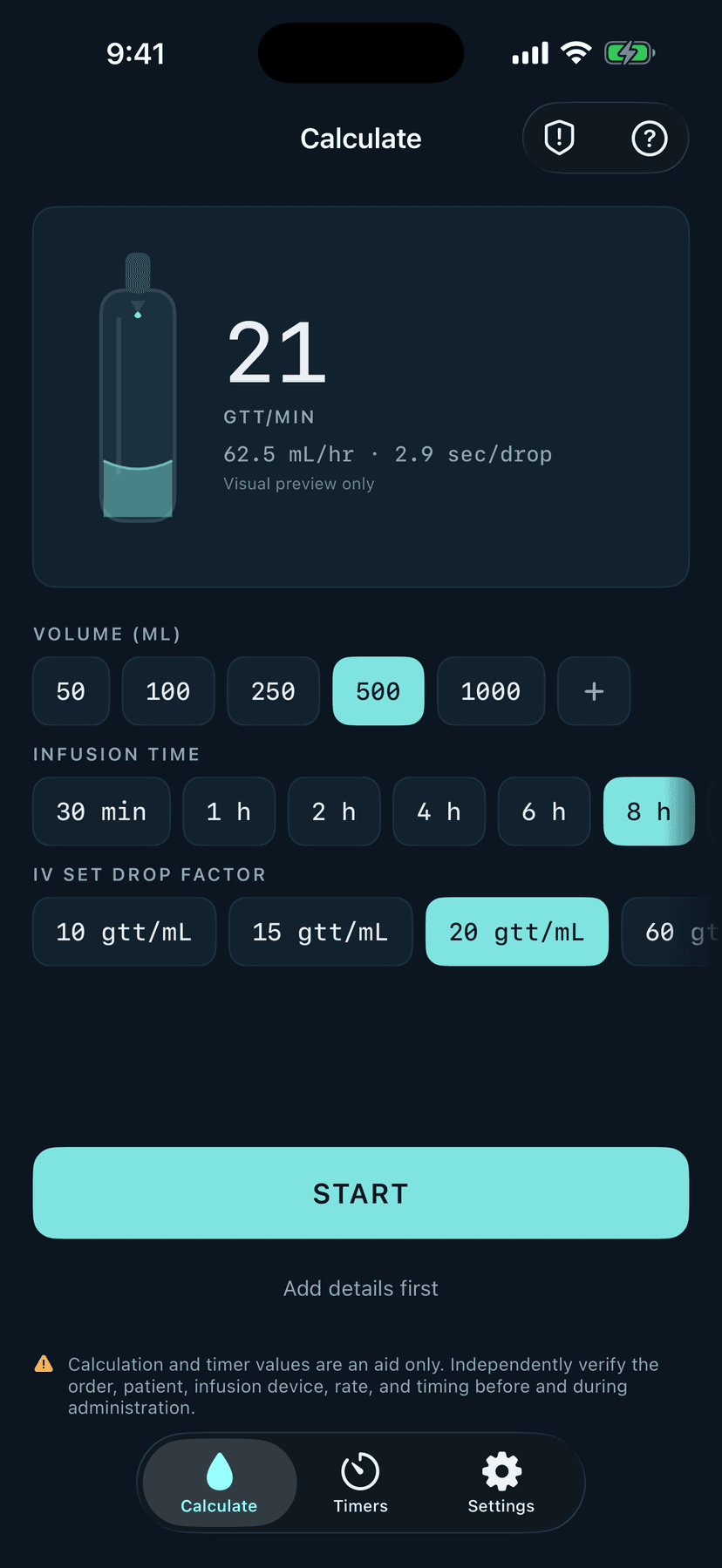
The calculator is built around a drip chamber. Pick a volume, tap a time, confirm the set, and the chamber on screen falls at the rate you just calculated — so you can hold the phone next to the real chamber and match the rhythm by eye. It is the instrument the work is already organised around, not a decoration.
What you get
Drops per minute
Rounded to a whole number you can actually count, with the exact rate shown alongside it.
mL per hour
The value to program into an infusion device, calculated from the same inputs.
Seconds between drops
When the rate is too slow to count per minute, DripLine switches to the interval instead.
A live drip chamber
Falls at the calculated cadence so you can match it against the chamber in front of you.
Standard drop factors
10, 15, 20 and 60 gtt/mL are built in, and you can add the sets your ward stocks.
How it works
Pick the volume
Common bag and syringe volumes are one tap. Anything else goes in on the keypad.
Pick the infusion time
From 30 minutes to 24 hours, or set the hours and minutes yourself.
Confirm the drop factor
Match it to the set in your hand. DripLine remembers what you used last.
Start the timer
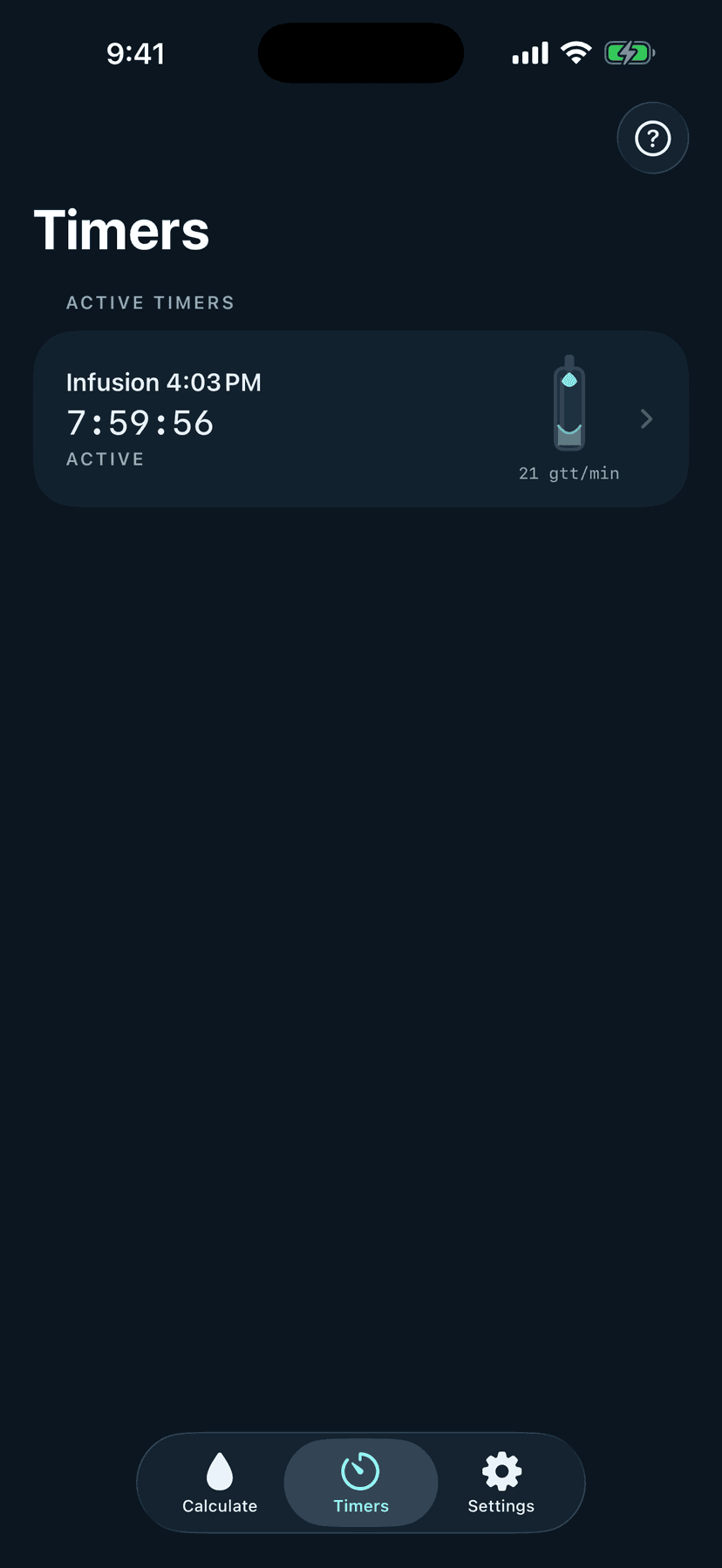
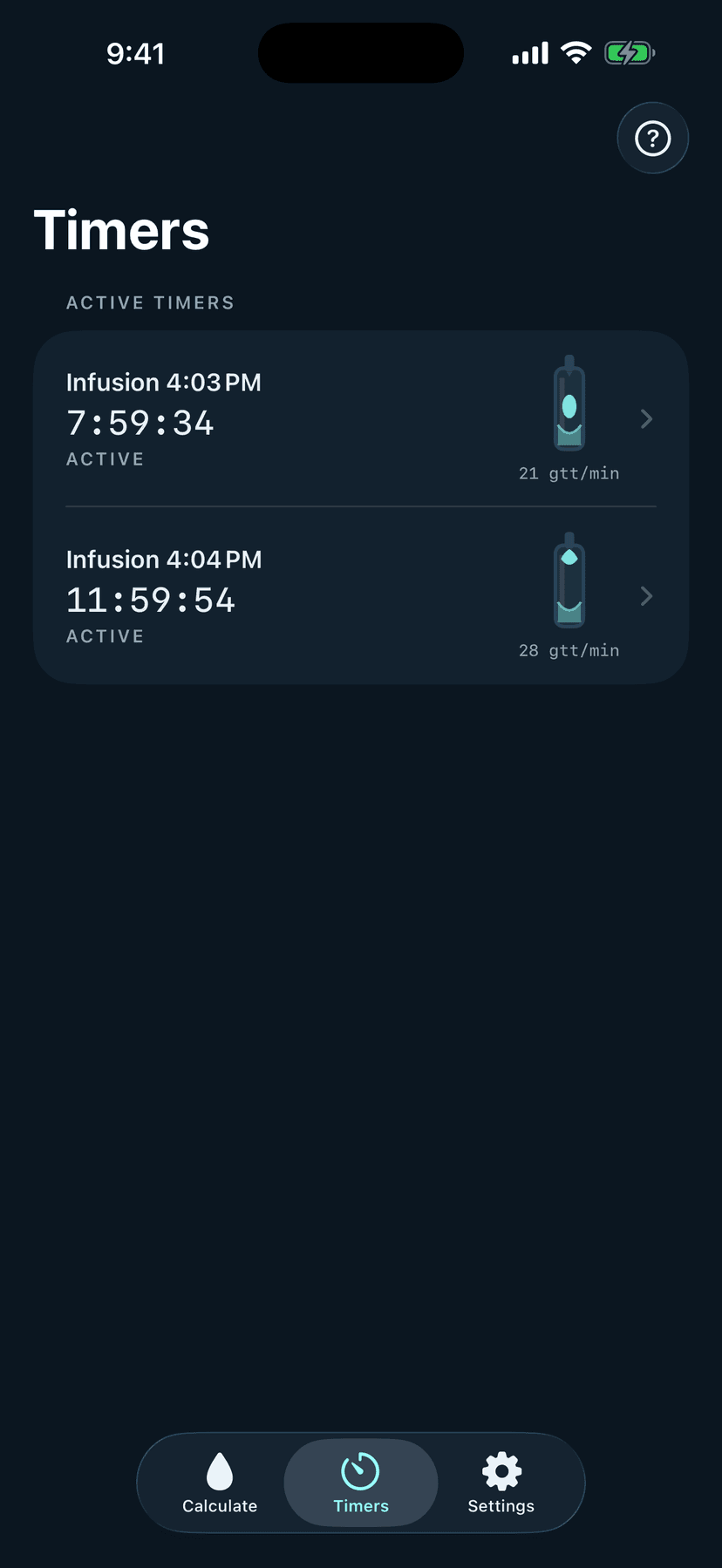
One tap starts a timer and shows it in your list. Add a name, room or note afterwards.
A timer that survives a real shift
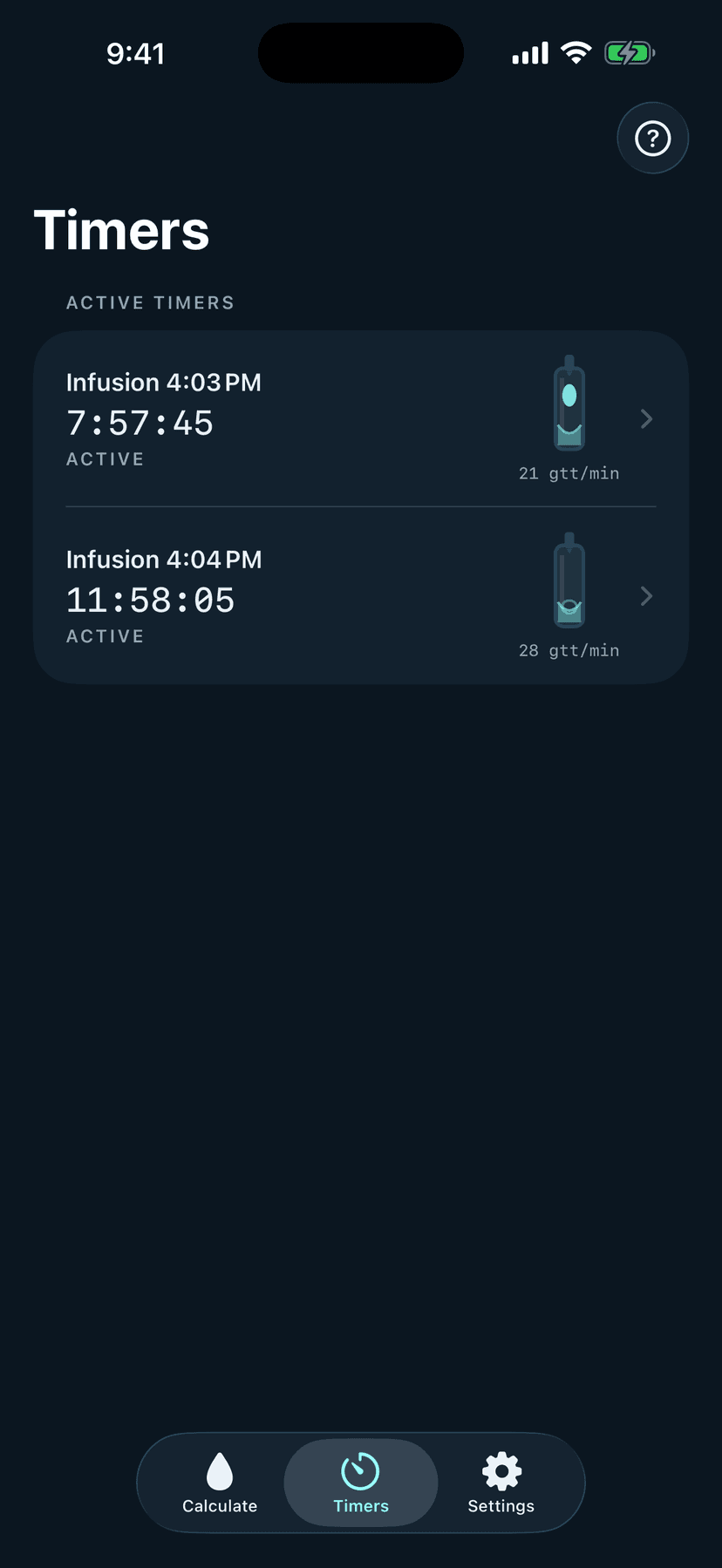
Start a timer and DripLine alerts you when the infusion is due to finish. It keeps running while the app is closed and after the phone restarts. If the device clock changes or a timer was interrupted, DripLine does not quietly guess the elapsed time — it asks you to compare the timer against the actual infusion before you continue.
Built for privacy
There is no account, no server and no ads. Timer names, rooms and notes stay on your phone unless you explicitly turn on alerts.
- No sign-up, no cloud sync
- Names and rooms never leave the device unless you turn on alerts
- Pseudonymous usage analytics only — never your timers or patient details
- No advertising identifier is collected
A calculation aid, not a clinical decision
DripLine does not control pumps or any clinical equipment, does not measure actual flow, and does not tell you what to infuse. It performs the standard drip-rate arithmetic and keeps time. Always verify the order, the patient, the device and the rate using your organisation's process, before and during administration.
The app includes a Clinical references screen linking to published infusion standards and guidelines, including the Infusion Nurses Society Standards of Practice, NICE CG174, the ISMP high-alert medication list and the Korean Hospital Nurses Association evidence-based practice guidelines.
Languages
English and Korean.