



Overview
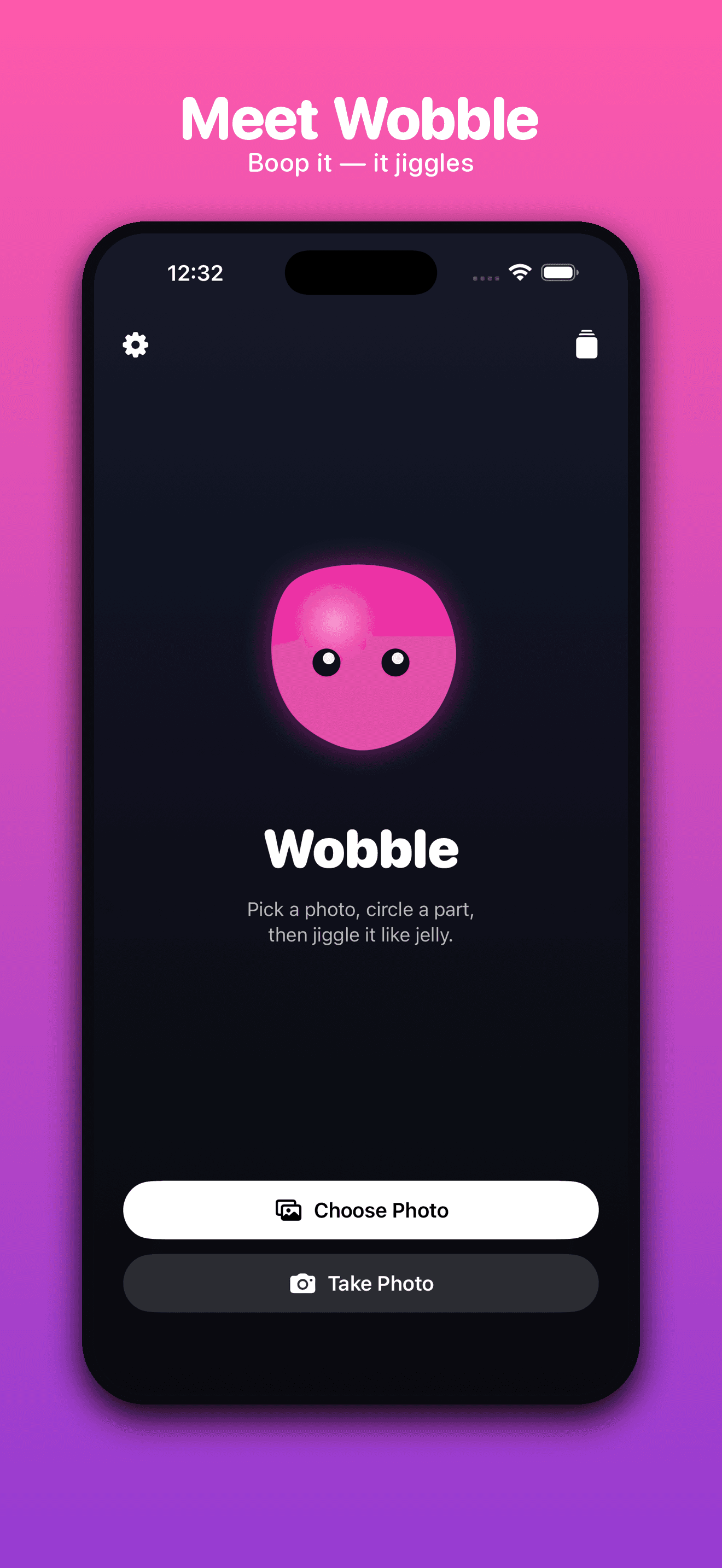
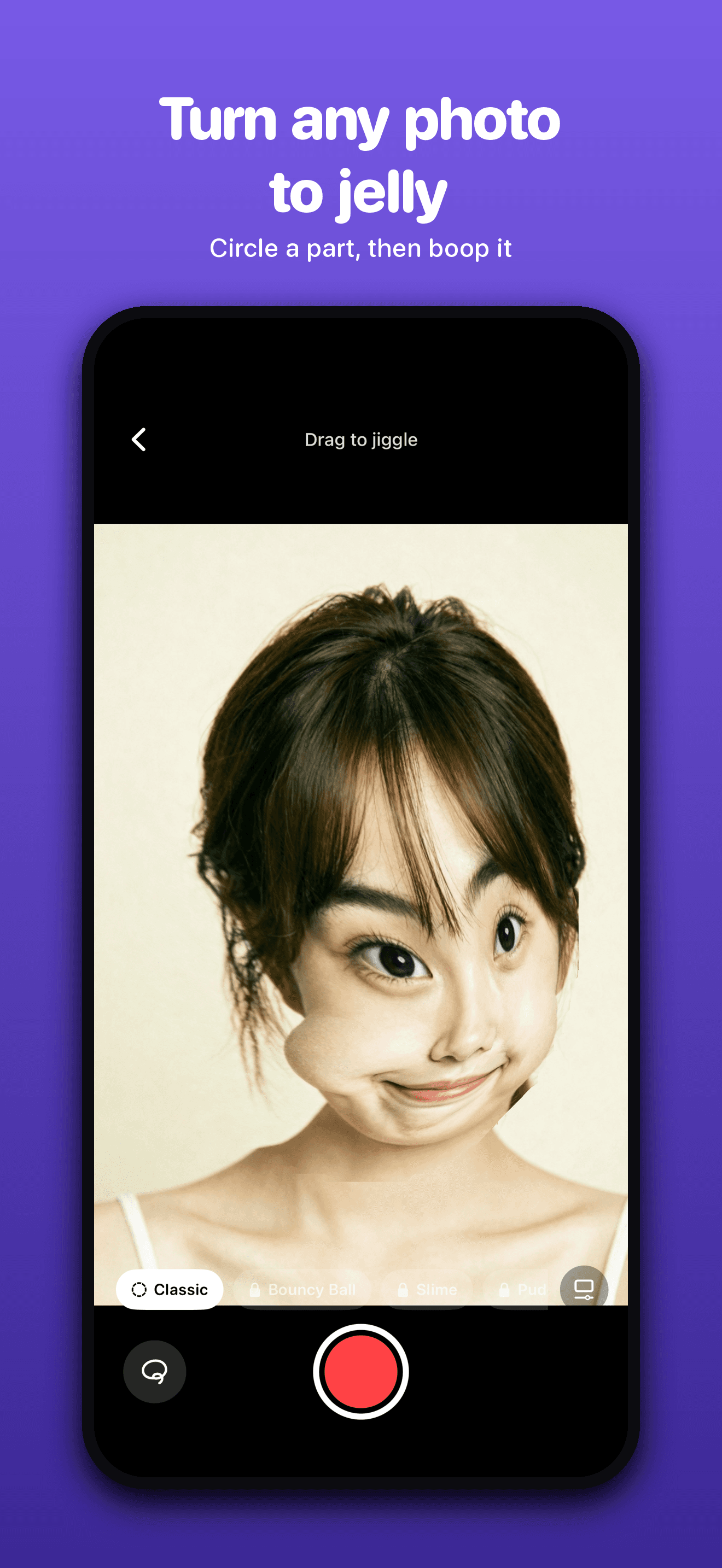
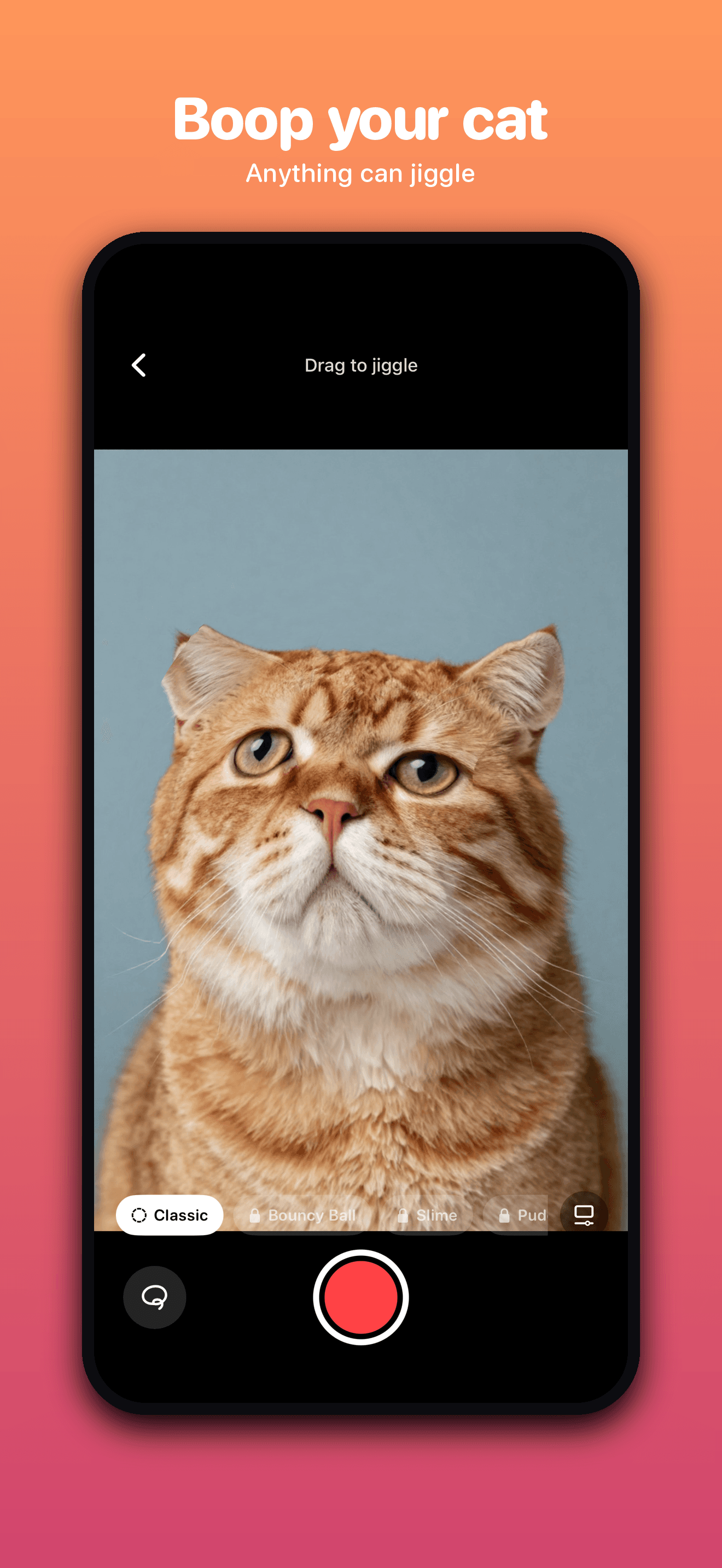
Wobble is a physics toy for your pictures. Pick a shot from your library or snap a new one, trace a freehand loop around any part of it — a face, a building, your dog, a slice of pizza — and that part starts behaving like jelly. Drag it and it follows, stretches, and springs back. Let go and it keeps wobbling on its own momentum until it settles. Shake your phone and the whole thing sloshes.
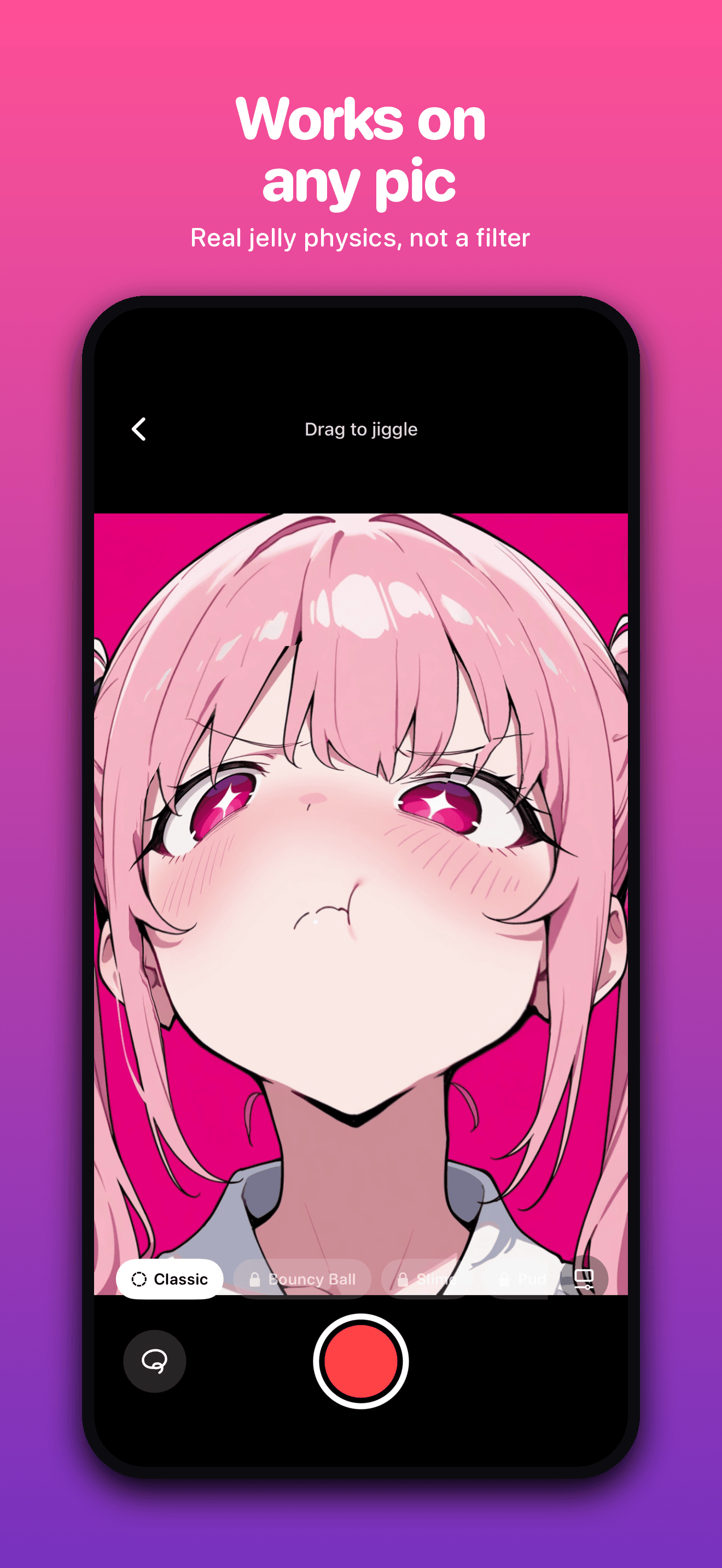
It isn't a filter or a preset. There's a real spring-mass mesh simulation running under your photo, so nothing is pre-baked — every wobble is a live reaction to how you actually poked it. Poke it gently and it ripples. Fling it and it swings.
Key Features
Real physics, not a filter
A live spring-mass mesh under your photo means every poke, drag, and fling produces a unique wobble. Nothing is pre-baked.
Loop anything
Trace a freehand loop around a face, an object, a pet — whatever you draw inside becomes the jelly region.
Shake to slosh
Shake your iPhone and the whole photo sloshes around. Every interaction has weight and momentum.
Record and trim
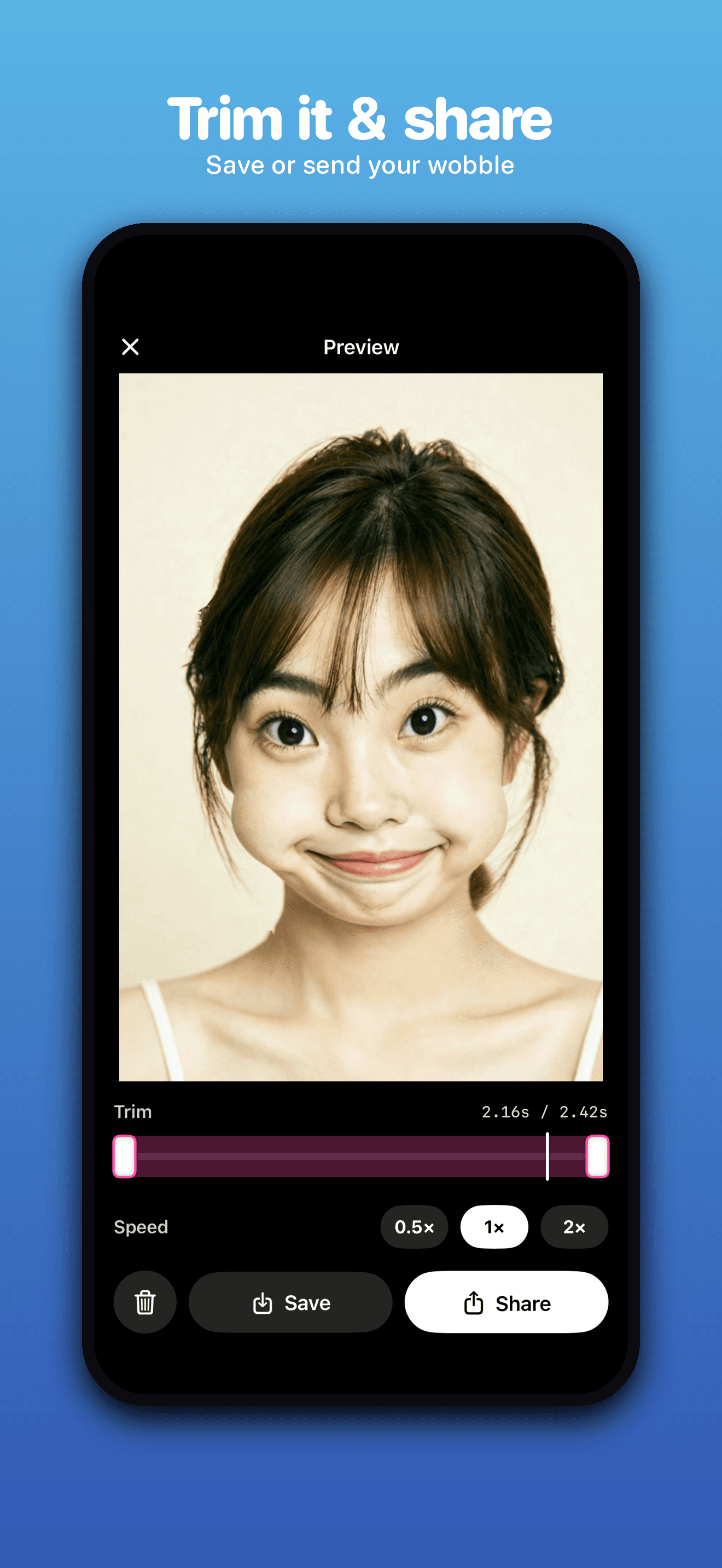
Capture the motion straight to mp4, trim it down to the good part, and play it back at 0.5x, 1x, or 2x.
Jelly presets (Pro)
Four ready-made materials — Bouncy Ball, Slime, Pudding, and Rubber — each with its own feel.
Hand tuning (Pro)
Dial in exactly how long it wobbles, how bouncy it is, and how stiff it feels.
How It Works
Pick a photo
Choose a shot from your library, or take a new one with the camera.
Trace a loop
Draw a freehand loop around the region you want to wobble.
Poke, drag, fling
The jelly follows your finger — push it, stretch it, let it spring back.
Record and share
Hit record when it looks good, trim to the best moment, and share anywhere.
Your Photos Stay on Your iPhone
No AI. Nothing is generated. It's physics, running entirely on your iPhone. Your photos and the clips you make never leave your device — there is no photo upload in the app at all. No account, no sign-up, no email, and no ads. Wobble only reports anonymous usage stats (which screens and features get used) so it can be improved. Never your photos, and never anything that identifies you. Read the full details in the Privacy Policy.
Wobble Pro
Everything is free: draw, poke, shake, record, trim, save, and share as much as you like. Free exports carry a small watermark. Wobble Pro is a single one-time purchase — there is no subscription — and it unlocks watermark-free export, the four jelly presets, and hand-tuning sliders.
Questions This Page Answers
- How do I make a photo jiggle like jelly on iPhone?
- Is there an app that animates part of a photo with physics?
- What is the best physics photo toy for iOS?
- Can I record a part of my photo wobbling and share it as a video?
- Is there a jiggling photo app that works without uploading my photos?
- Does Wobble use AI to generate images?