
Overview
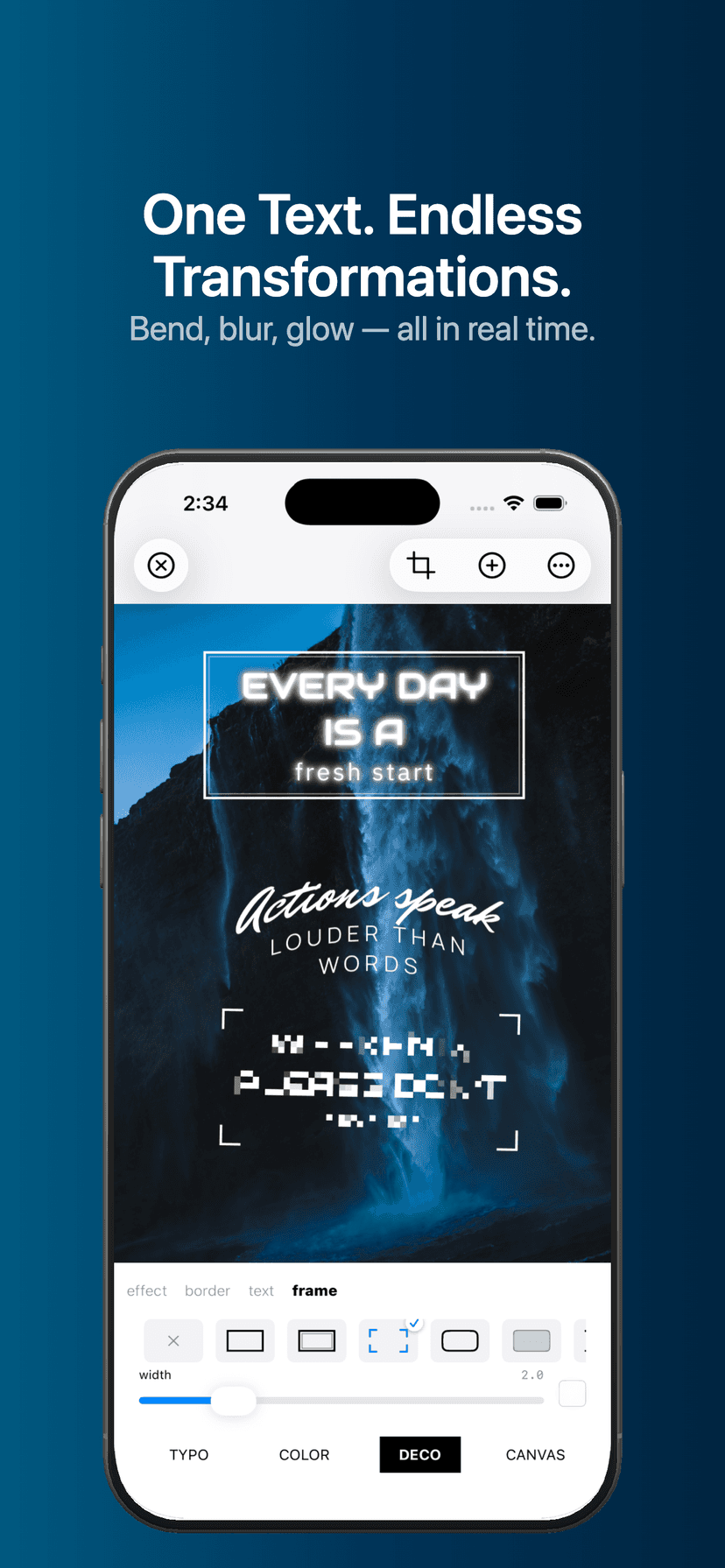
Typotypo turns plain words into finished typographic art. Start from a designer-crafted preset that already pairs typefaces, colors, and weights, then shape the result with bend, glow, and border effects, framed designs, and procedurally generated backgrounds — or drop styled text straight onto your own photos. Every effect renders in real time with Metal-powered, GPU-accelerated drawing, so edges stay crisp at any size.
It is built for designers, content creators, and anyone who wants to express words as visual art without starting from a blank canvas. Nothing here is auto-generated from a machine template — Typotypo hands you professional tools and full control, so the final piece reflects your taste, not an algorithm's. Export at the right dimensions for Instagram, TikTok, YouTube, posters, or wallpapers.
Key Features
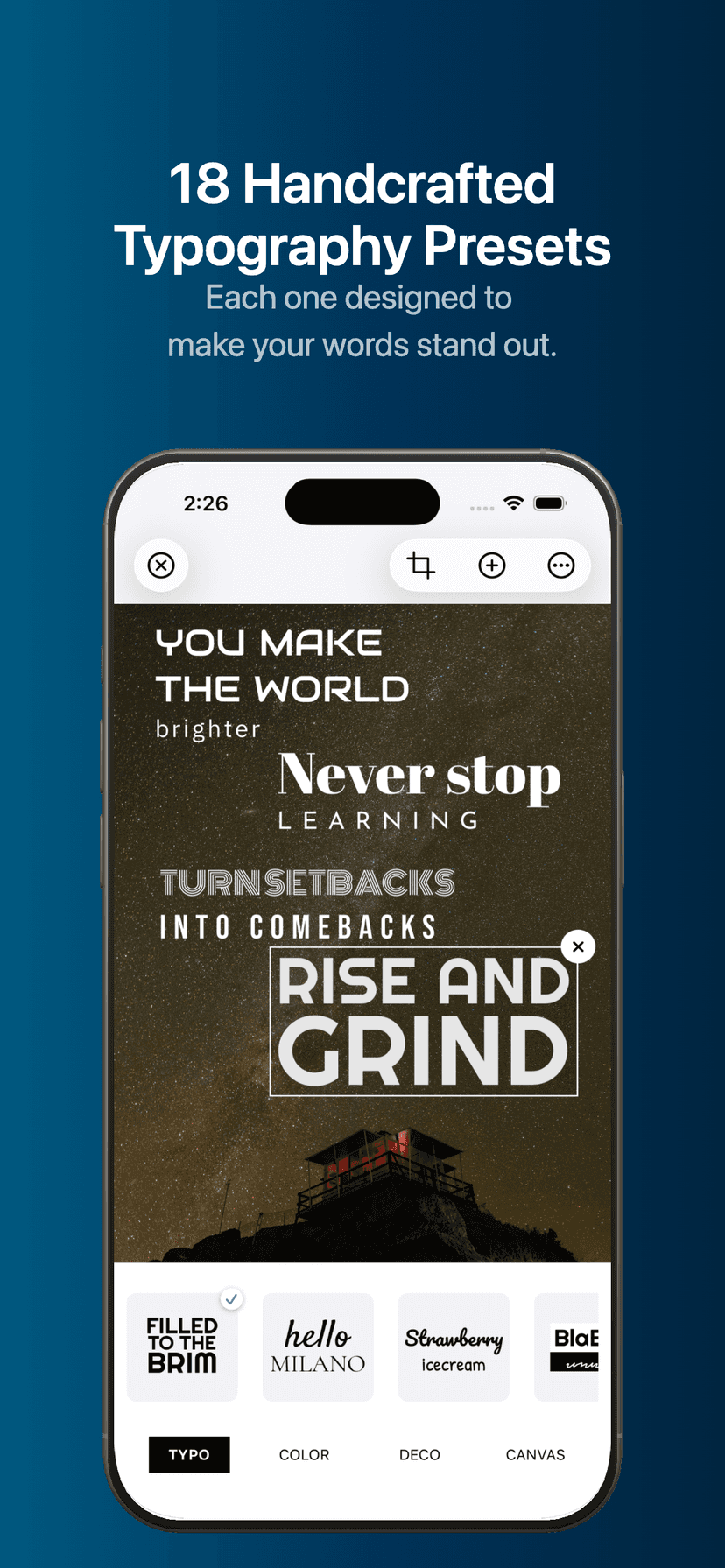
18 Designer-Crafted Presets
Each preset pairs typefaces that belong together — Neon Glow, Retro, Elegant Script, Street Style, Cinematic, Vintage, and more. One tap to start, full control to customize.
Bend, Glow & Border Effects
Warp text with Metal-powered bend effects in real time, then add neon glow or a solid outline with adjustable thickness and color. GPU-accelerated rendering keeps every edge clean.
21 Frames & 48 Backgrounds
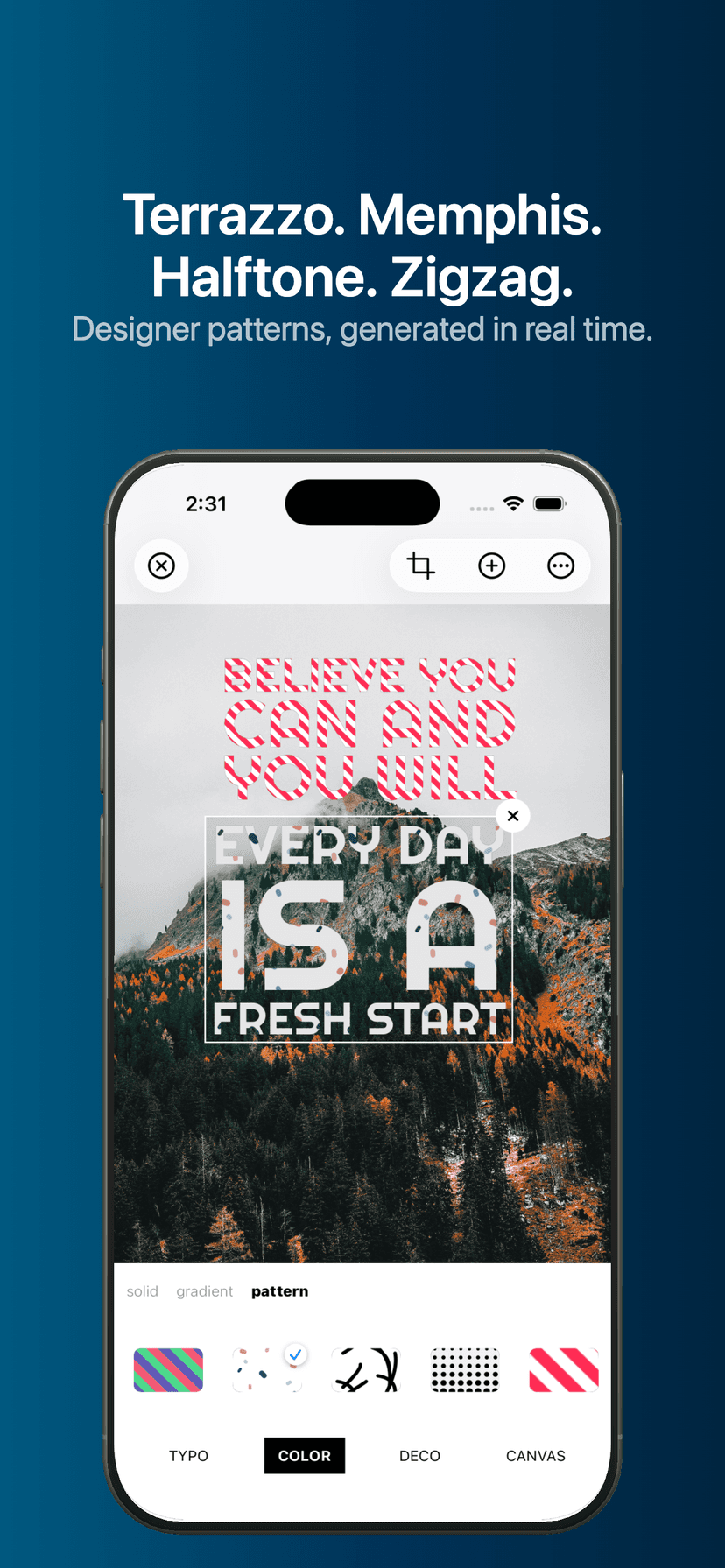
Film strips, neon frames, ornamental designs, zigzags, and braces, plus 16 solid colors, 16 gradient blends, and 16 patterns like terrazzo, memphis, and halftone — all procedurally generated and infinitely sharp.
Photos Meet Typography
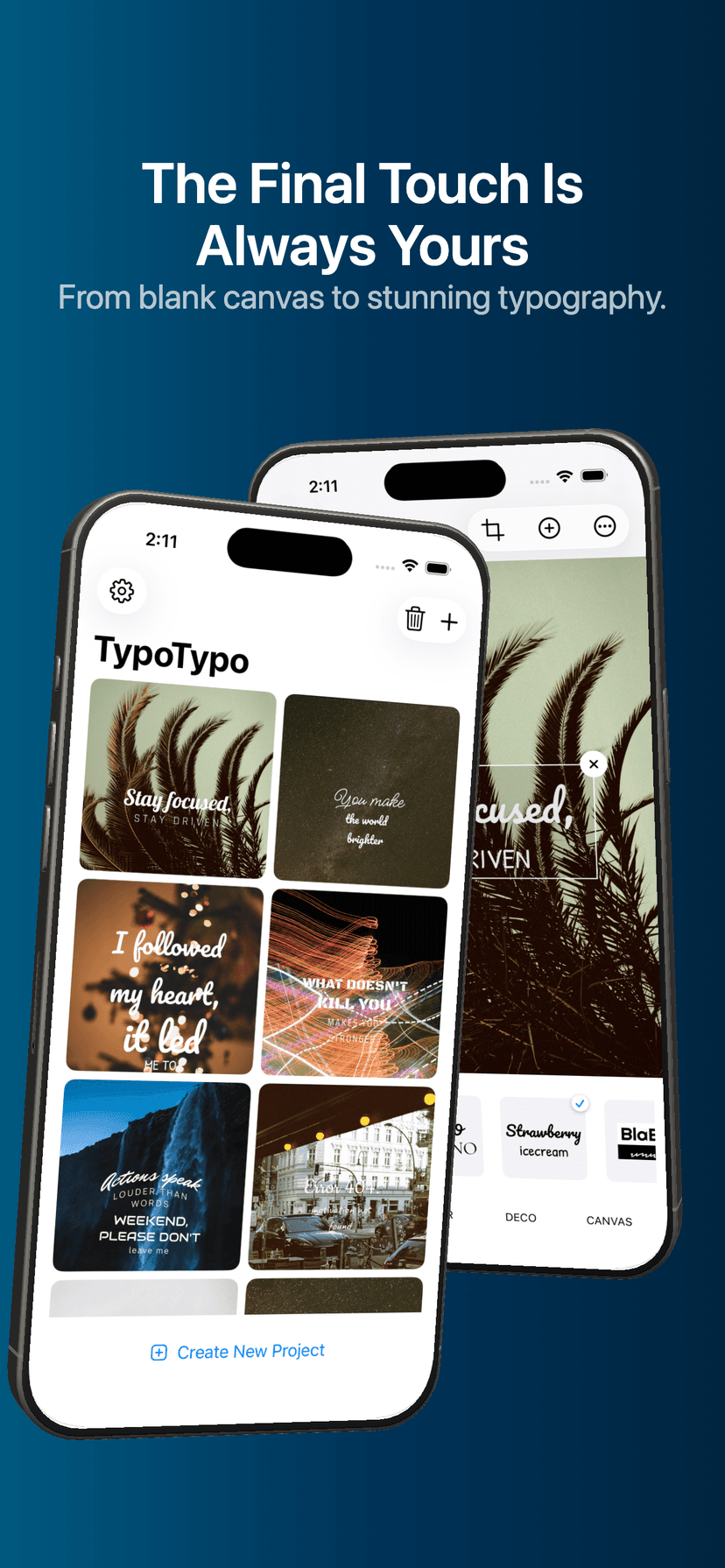
Import photos from your gallery and place styled text freely on top. Drag, rotate, and pinch to resize with intuitive canvas gestures, and add multiple text elements to a single canvas.
Fine-Tune Every Detail
Shadow, opacity, blur, mosaic, letter spacing, line spacing, and text alignment — precision controls for designers who care about how each character sits.
Sized & Saved for Sharing
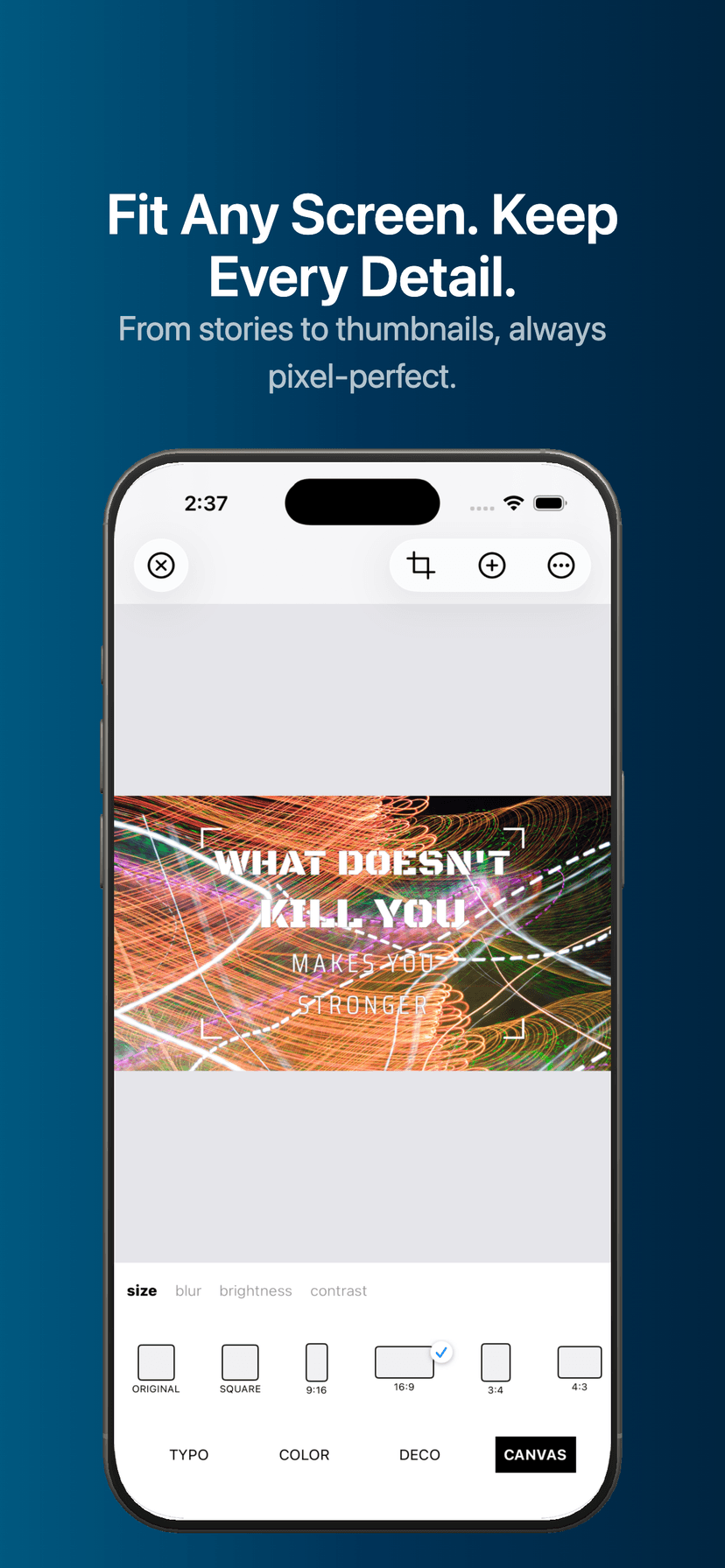
Work automatically across 6 canvas sizes (Original, Square, 9:16, 16:9, 3:4, 4:3), manage everything from the project list, then export as a high-quality image, use the share sheet, or send straight to Instagram.
By the Numbers
18
Typo presets
21
Frame styles
48
Backgrounds
6
Canvas sizes
112+
Text samples
3
Effect types
How It Works
Enter Your Text
Type your message or pick from 112+ ready-made text samples across multiple categories to get started fast.
Pick a Typo Preset
Browse 18 designer-crafted presets and apply the pairing that matches your idea — then keep going or refine it.
Style the Canvas
Add bend, glow, and border effects, choose from 21 frames and 48 backgrounds, or import a photo and place styled text on top.
Fine-Tune the Details
Adjust shadow, opacity, blur, mosaic, letter and line spacing, and alignment until each character sits exactly right.
Export & Share
Set the canvas size for your platform, save as a high-quality image, and share via the system share sheet or directly to Instagram.
Questions This Page Answers
- How do I turn text into typographic art on iPhone?
- What app adds stylish text, captions, and posters to photos?
- Which app has neon glow, outline, and bend text effects?
- Is there a typography app with ready-made font pairings and presets?
- How can I make text designs sized for Instagram, TikTok, and YouTube?
- What app lets me layer styled words over my own photos?