101 Filters
Cinematic, film stock, analog, mood, vintage and black and white looks
Fuji and Kodak film-stock looks, analog stocks such as Gold 200 and Portrait 400, and Instagram-era classics. 8 filters are free; the rest are in Premium.
Pro2Camera is an iPhone camera app for manual photography. It sets ISO, shutter speed, white balance and focus by hand, reads the light with a live histogram and three metering modes, and shoots ProRAW and 48MP on supported iPhones. It also has 101 film filters, live effects and an on-device photo editor.
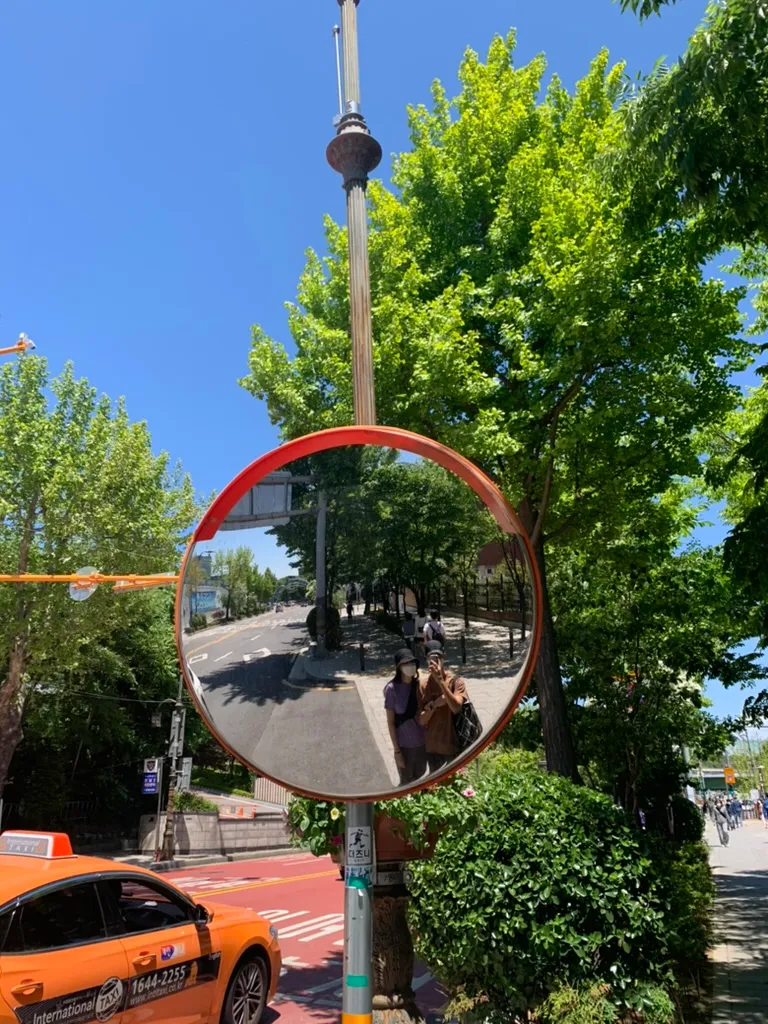 Fuji 250D
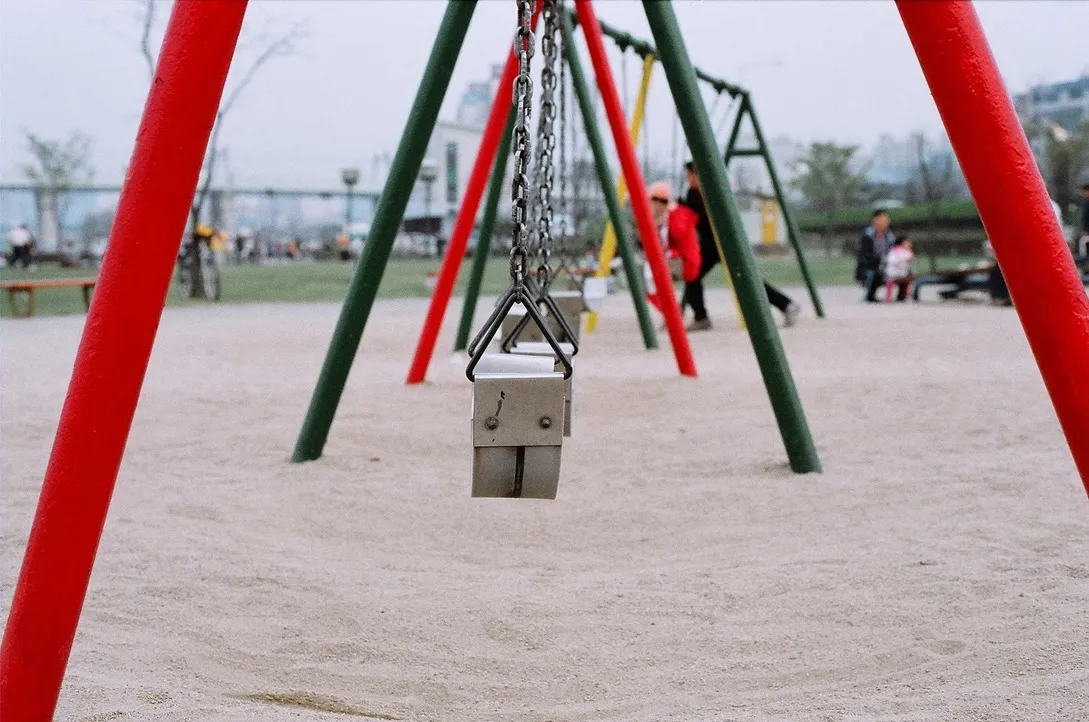 Teal & Orange
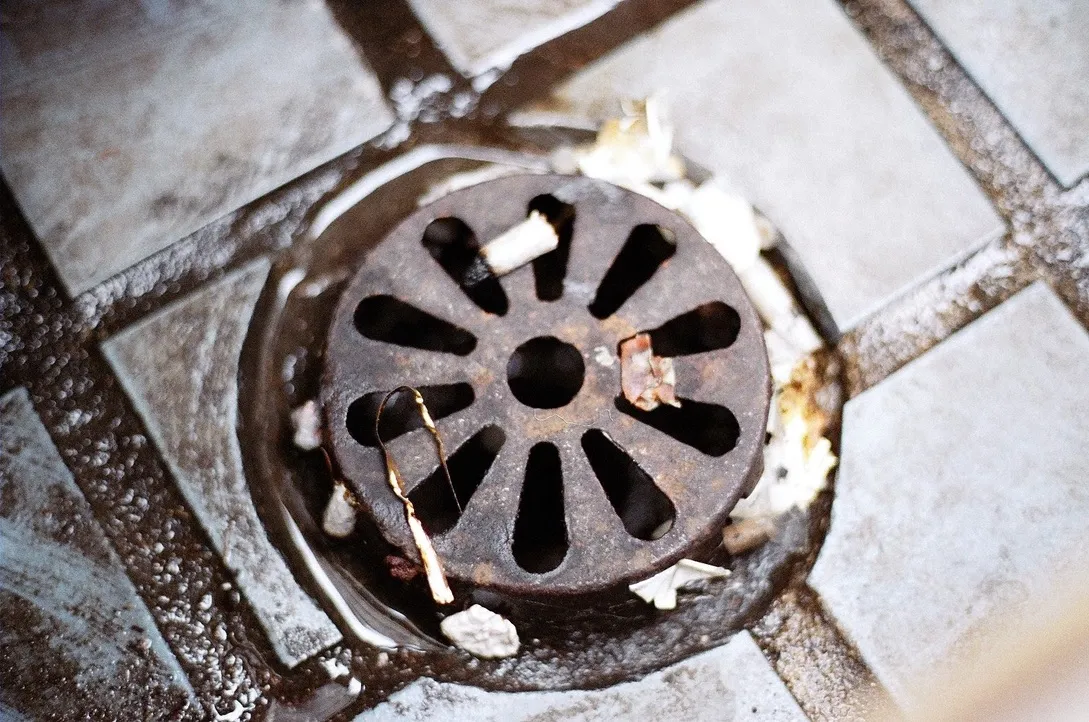 Kodak 5218
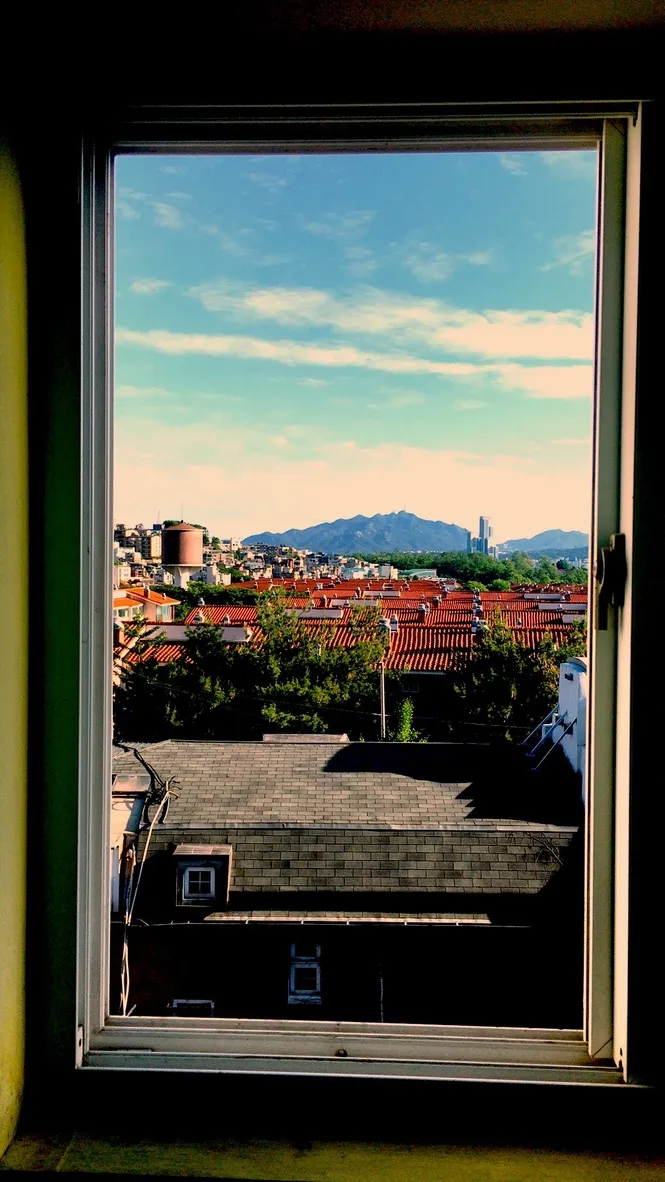 Cinematic
 Sakura
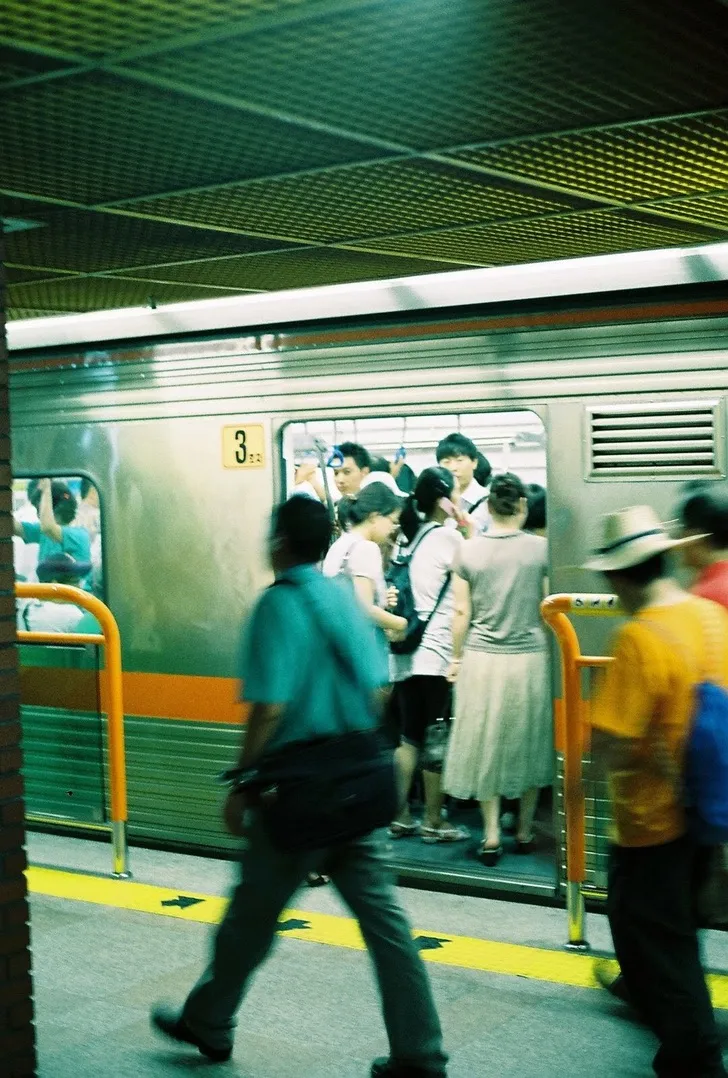 Nordic
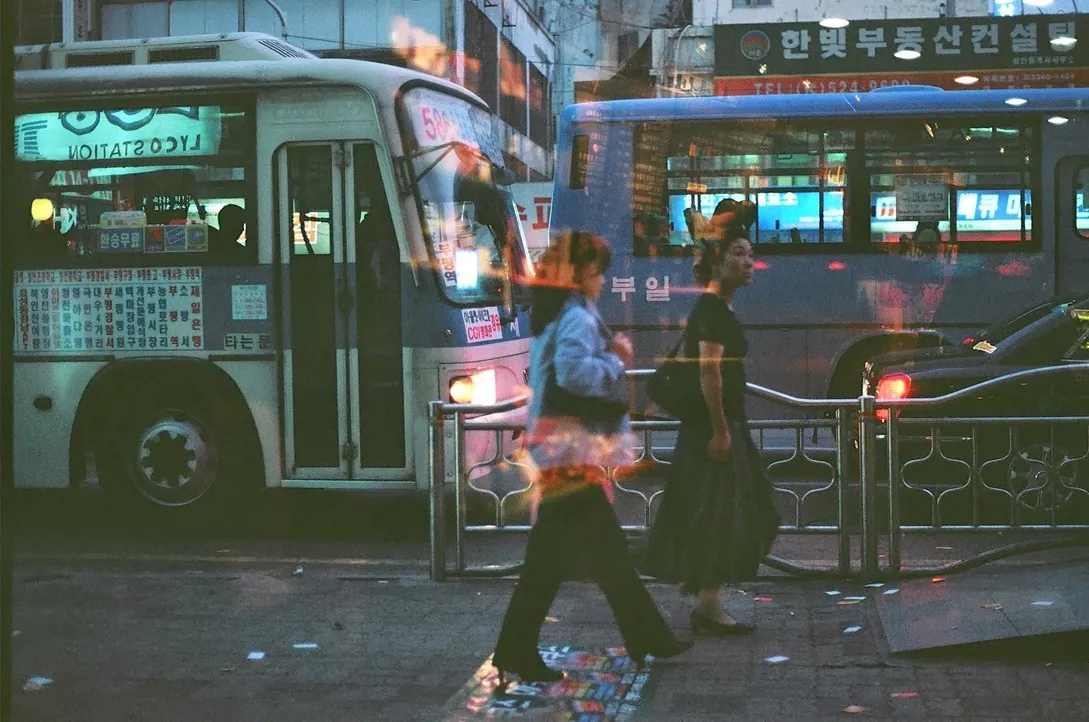 Film Noir
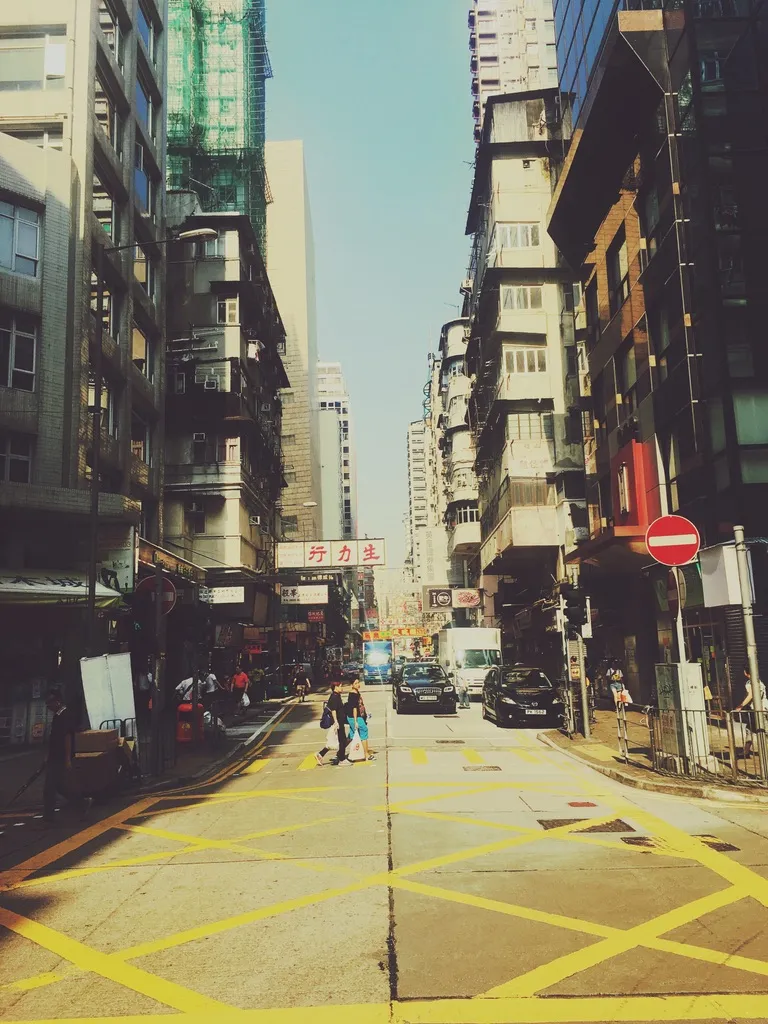 Golden Hour
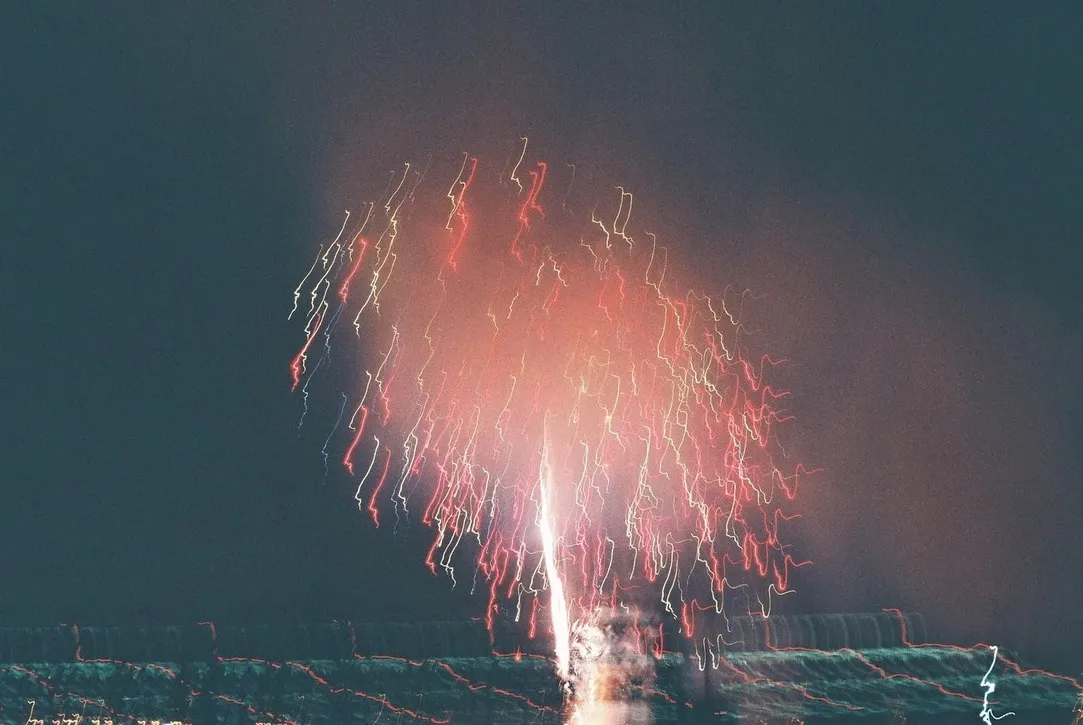 Matte
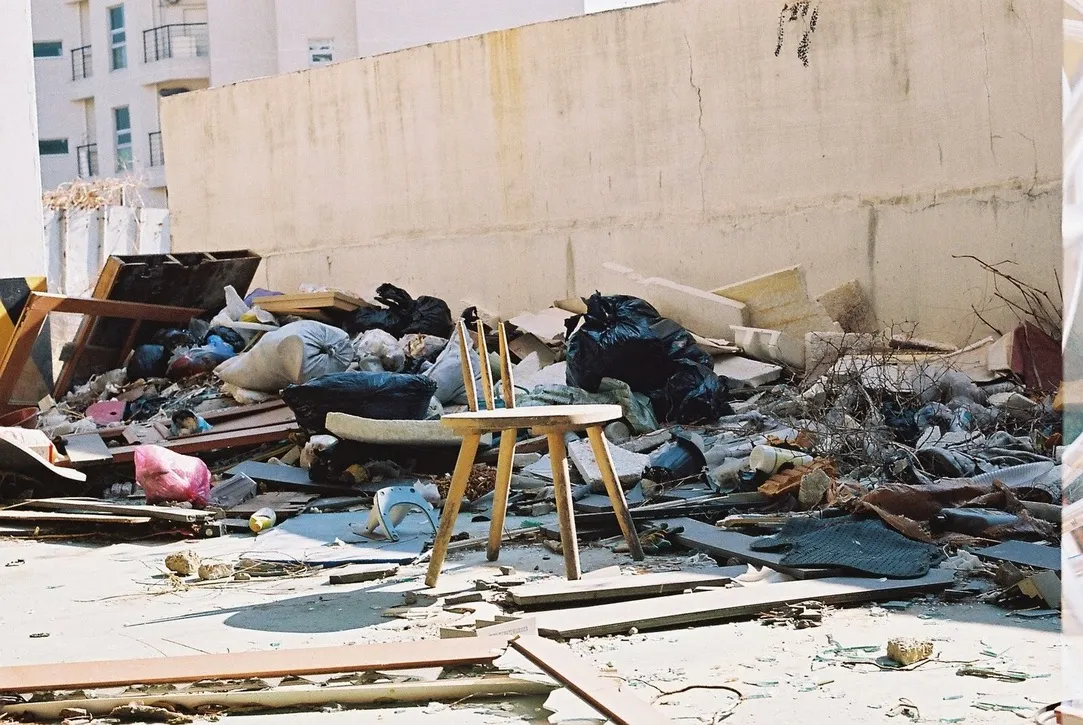 Neon City
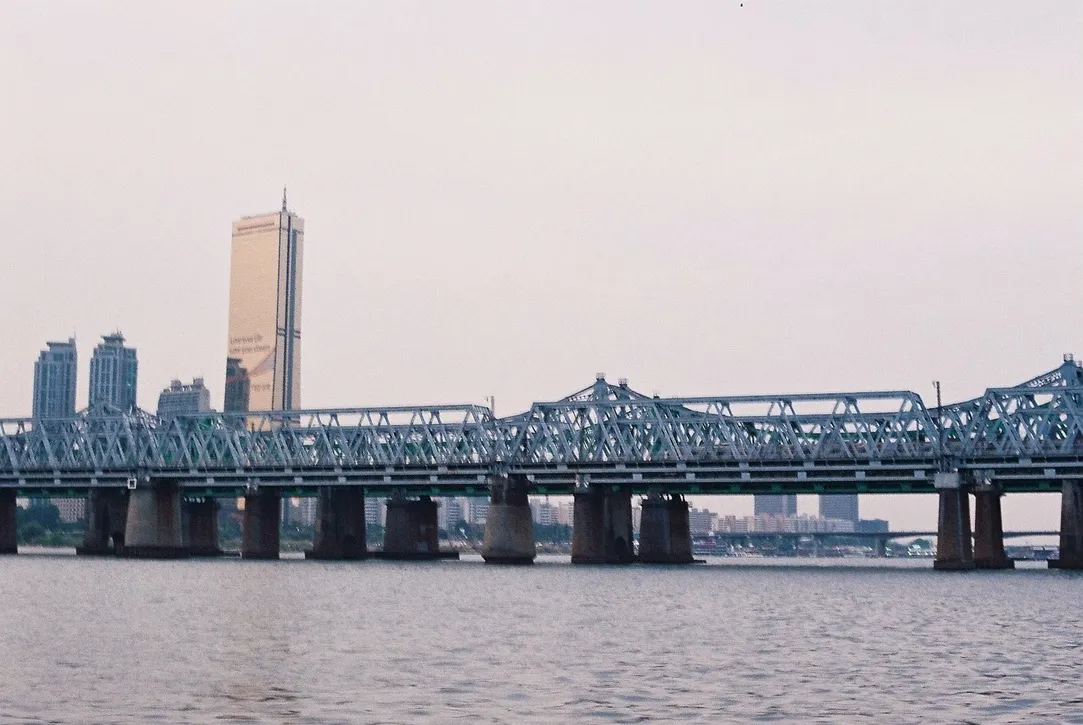 Polaroid
 Warm
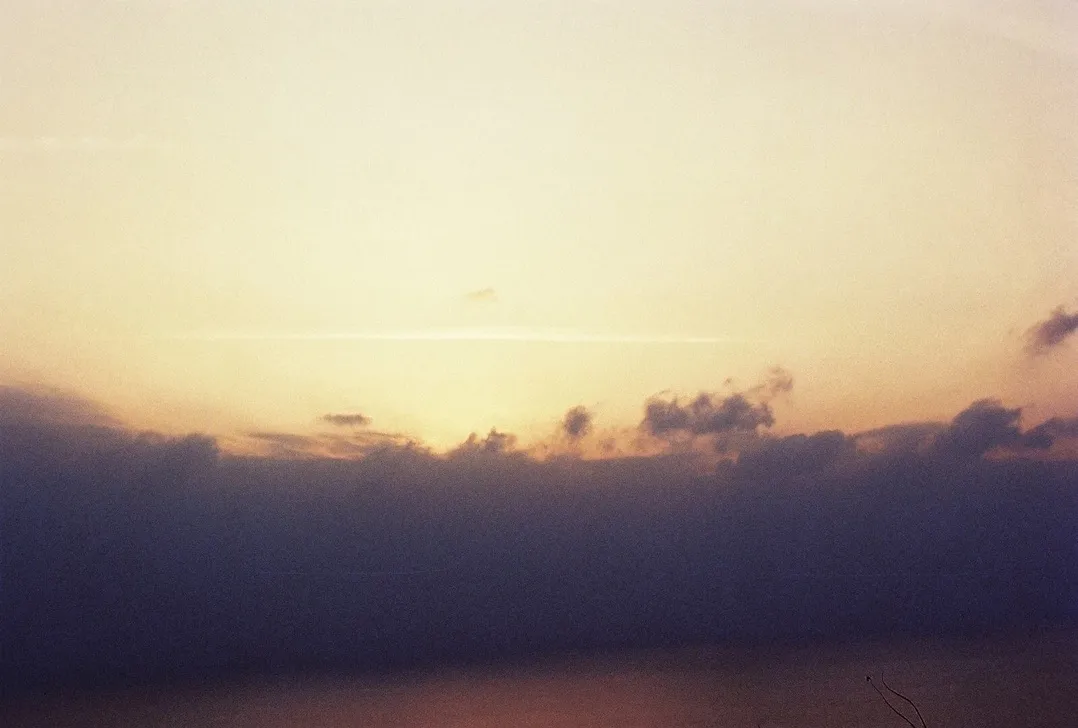 Cool
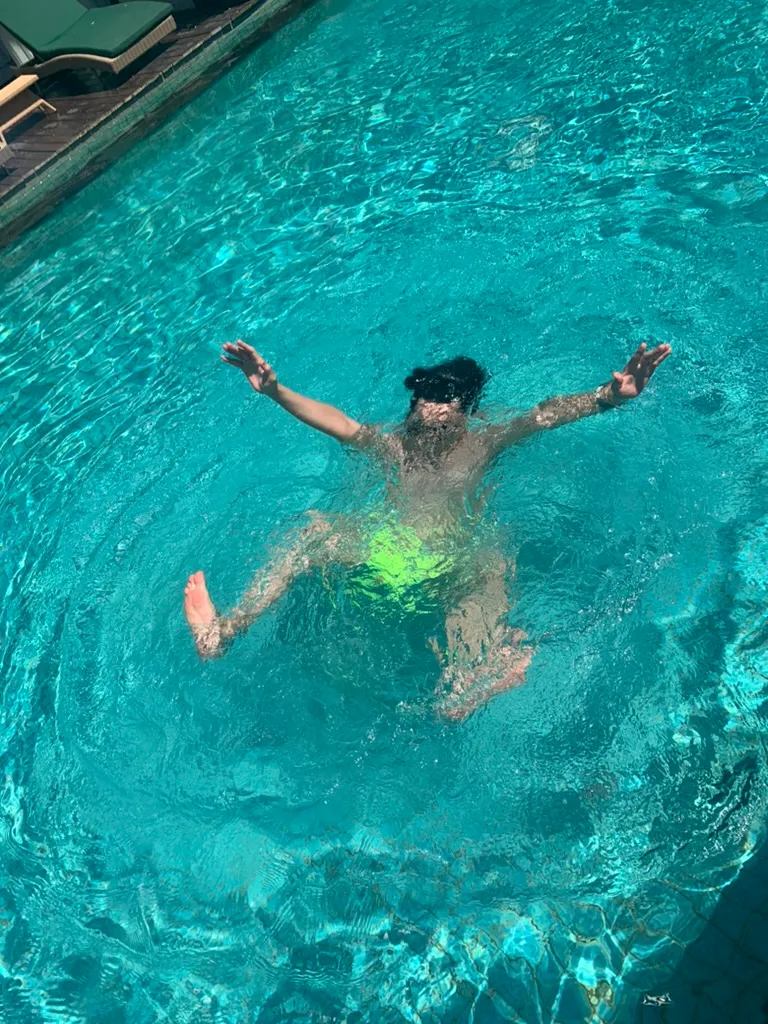 Vintage
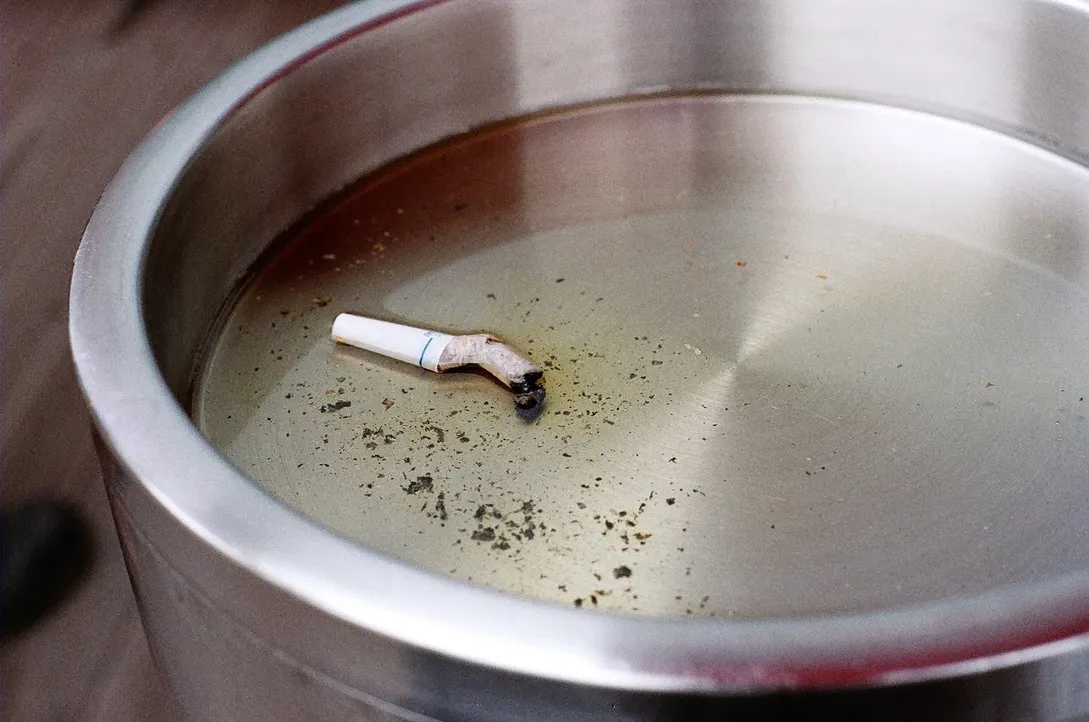 Mono
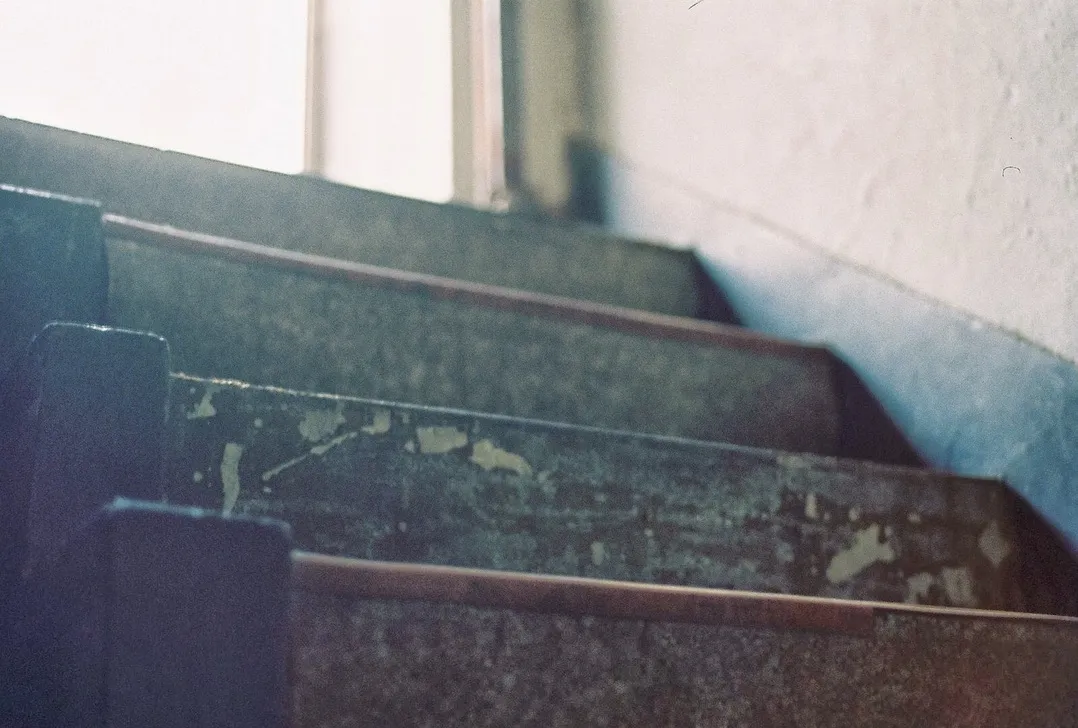 Bleach
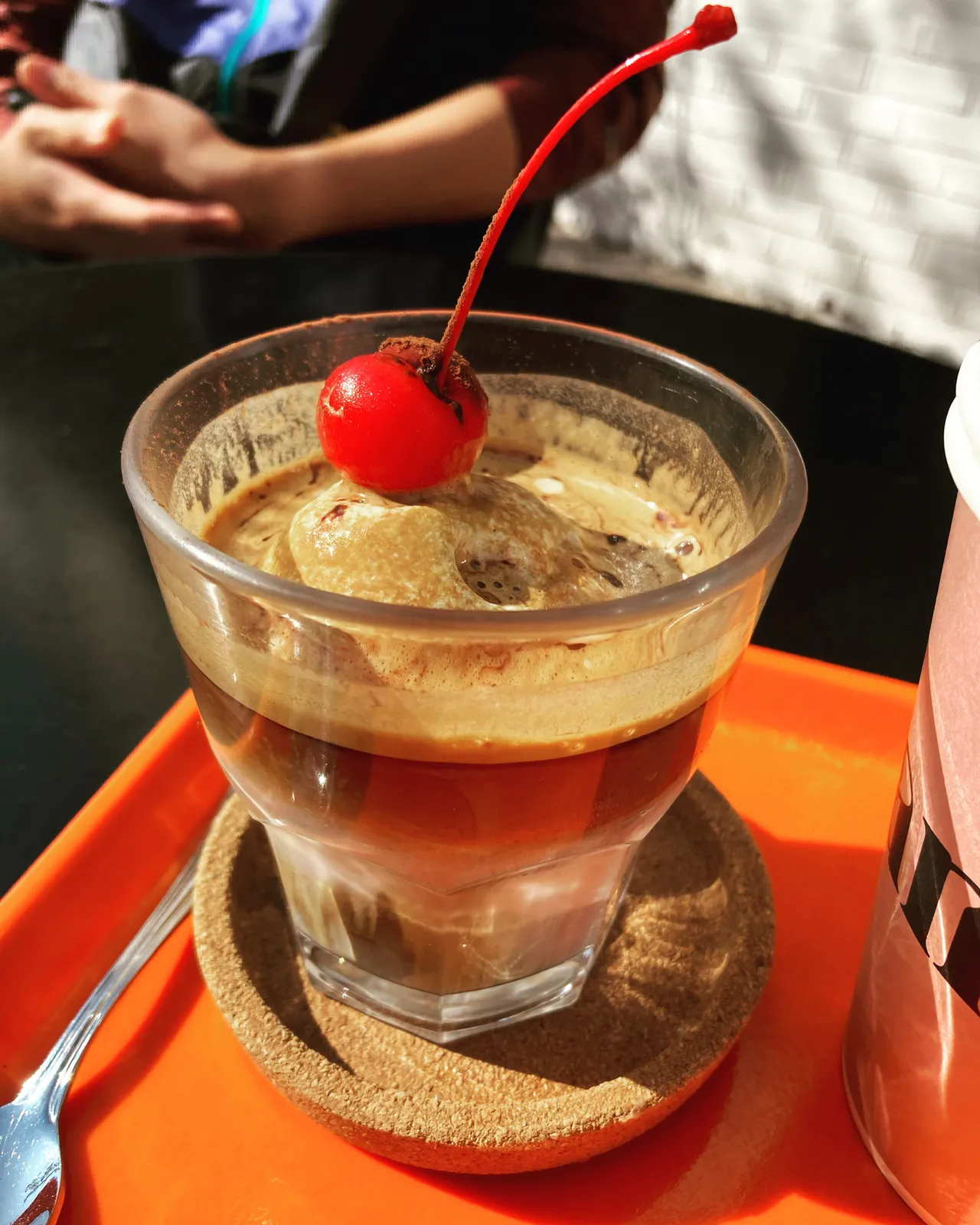 Cyberpunk
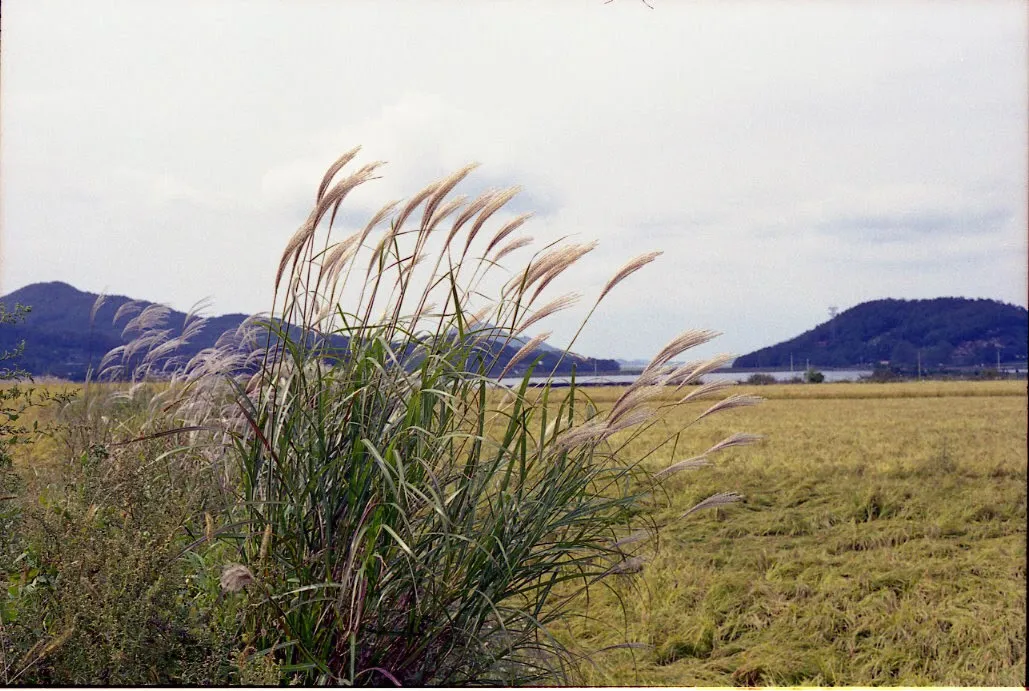 Cross Process
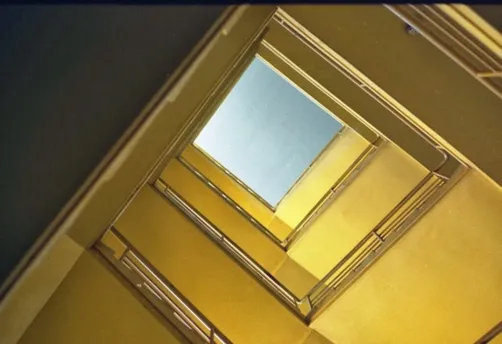 Blue Hour
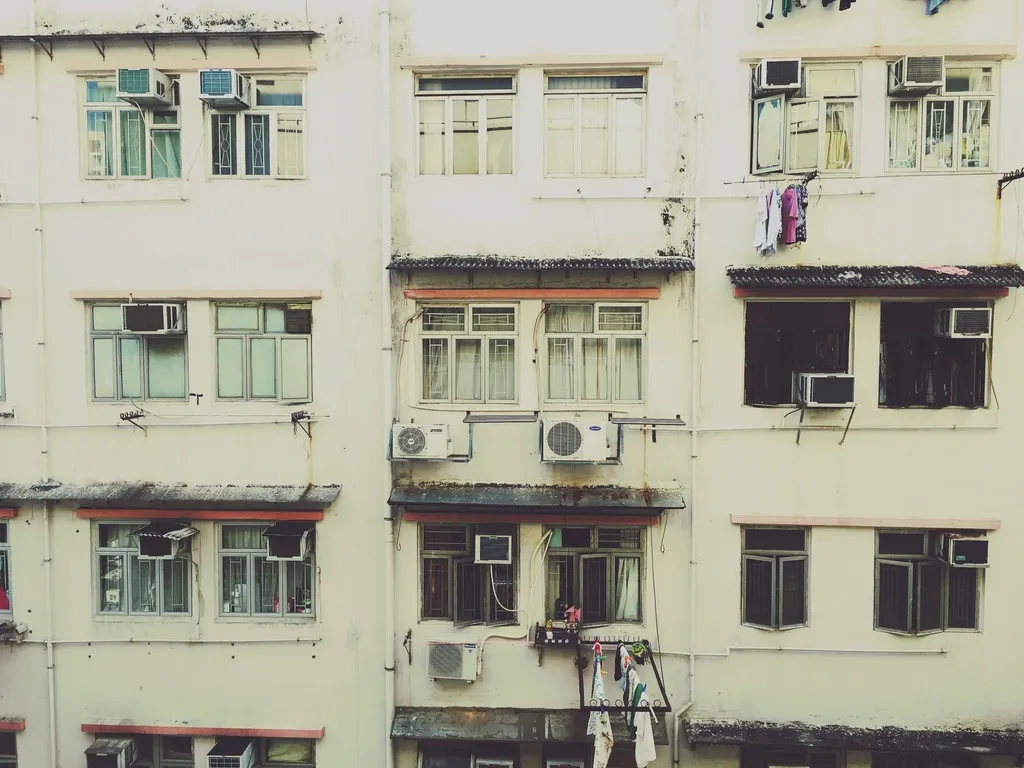 Desert
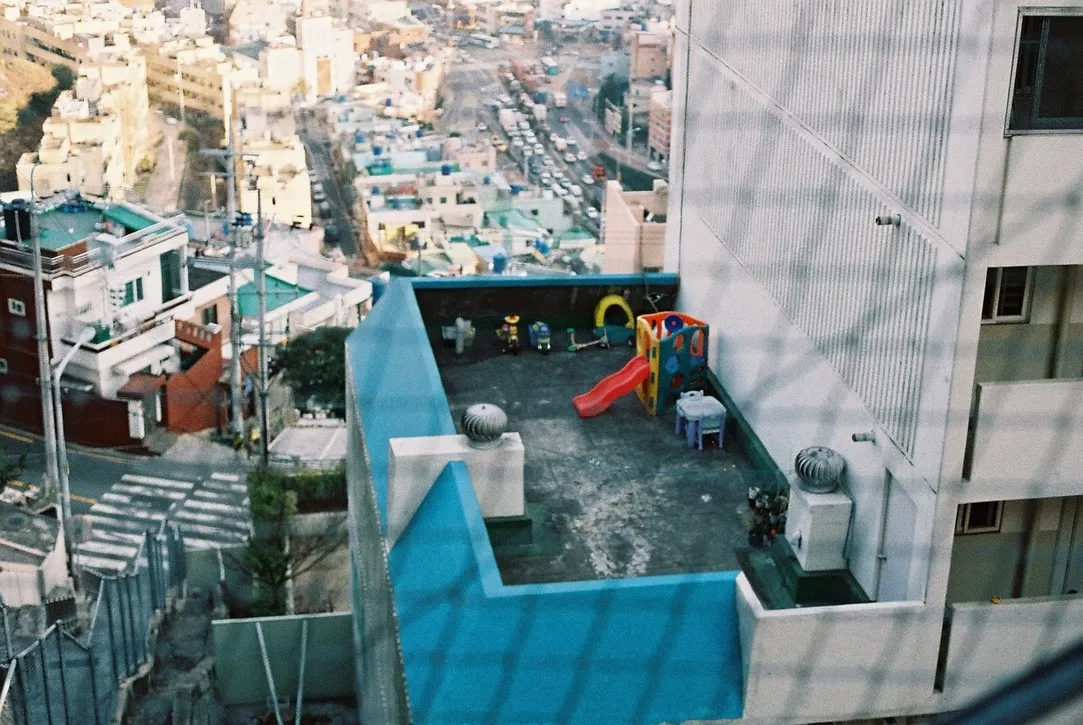 Color Flash
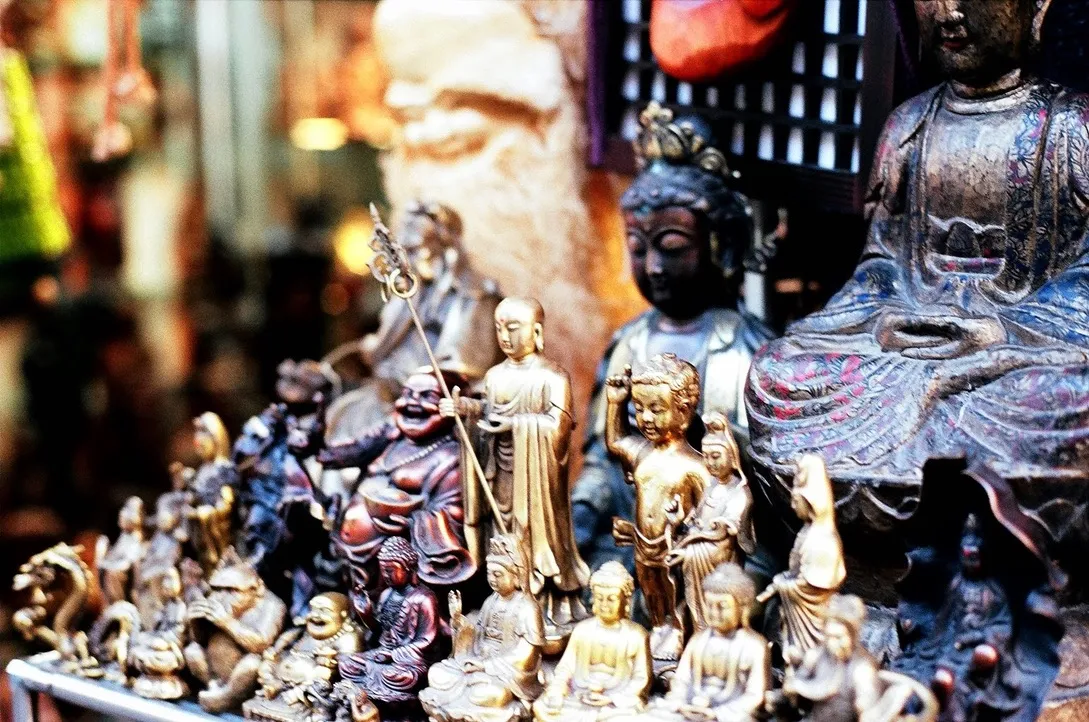 Duo Tone
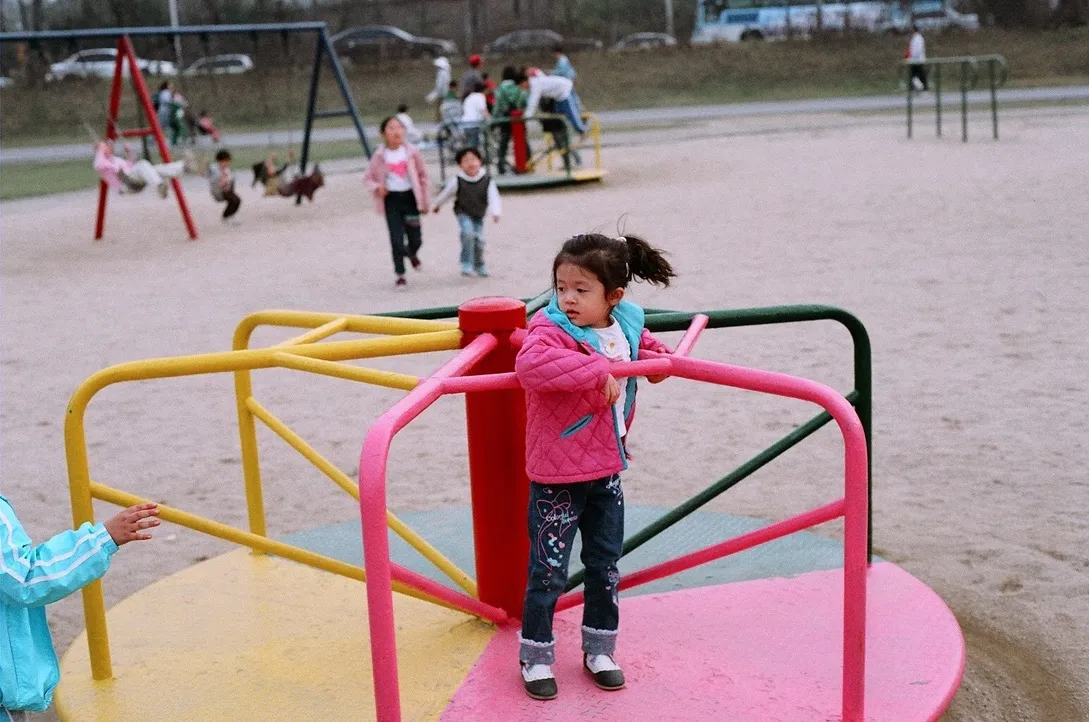 Glitch
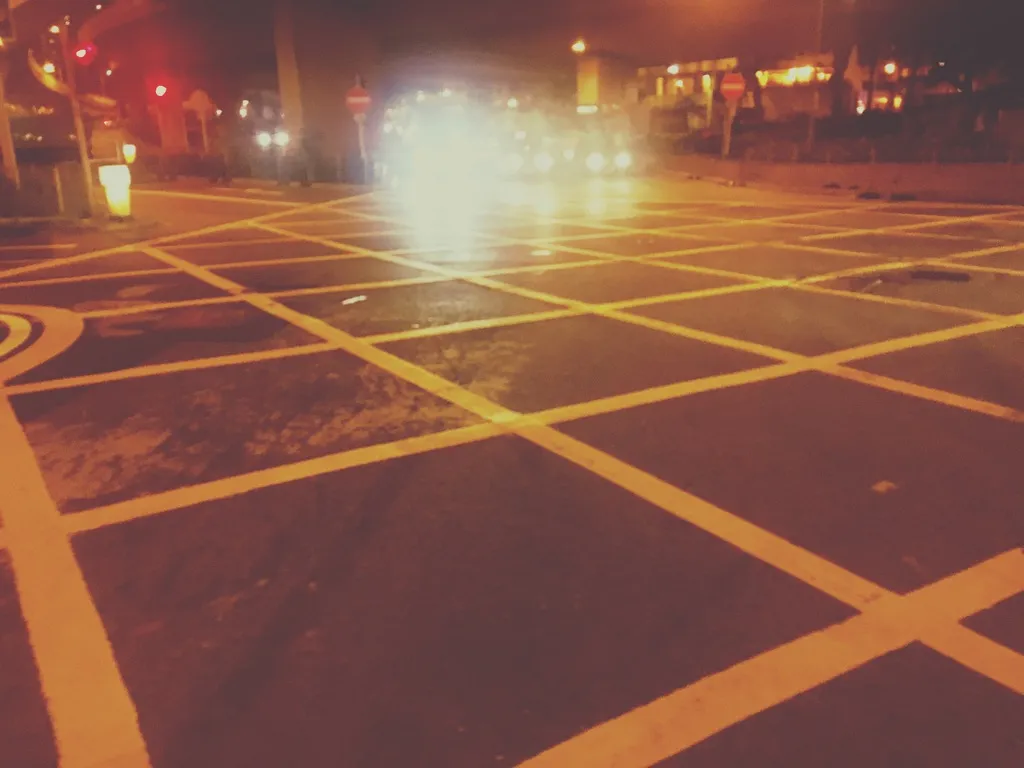 Lark
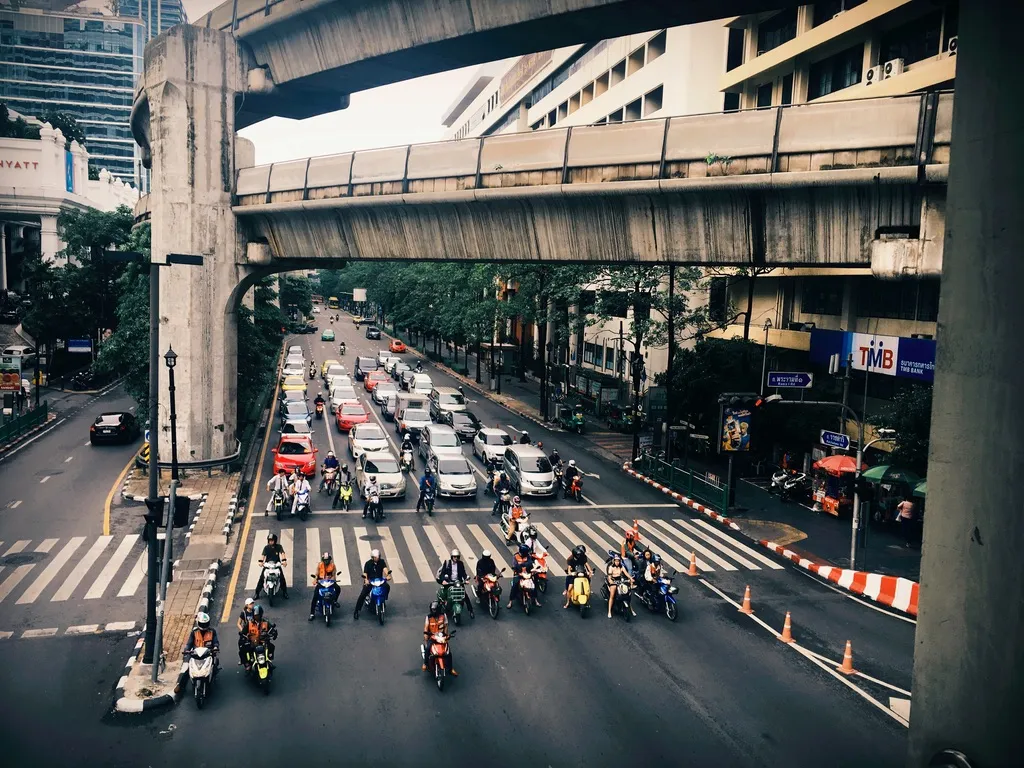 Amaro
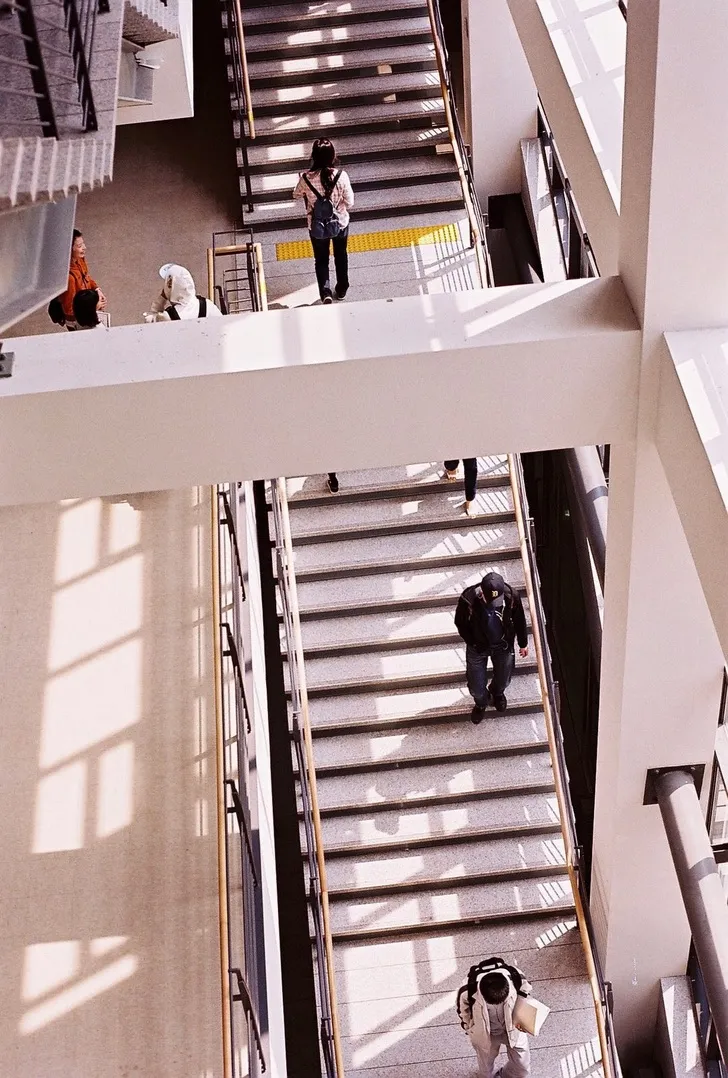 Hudson
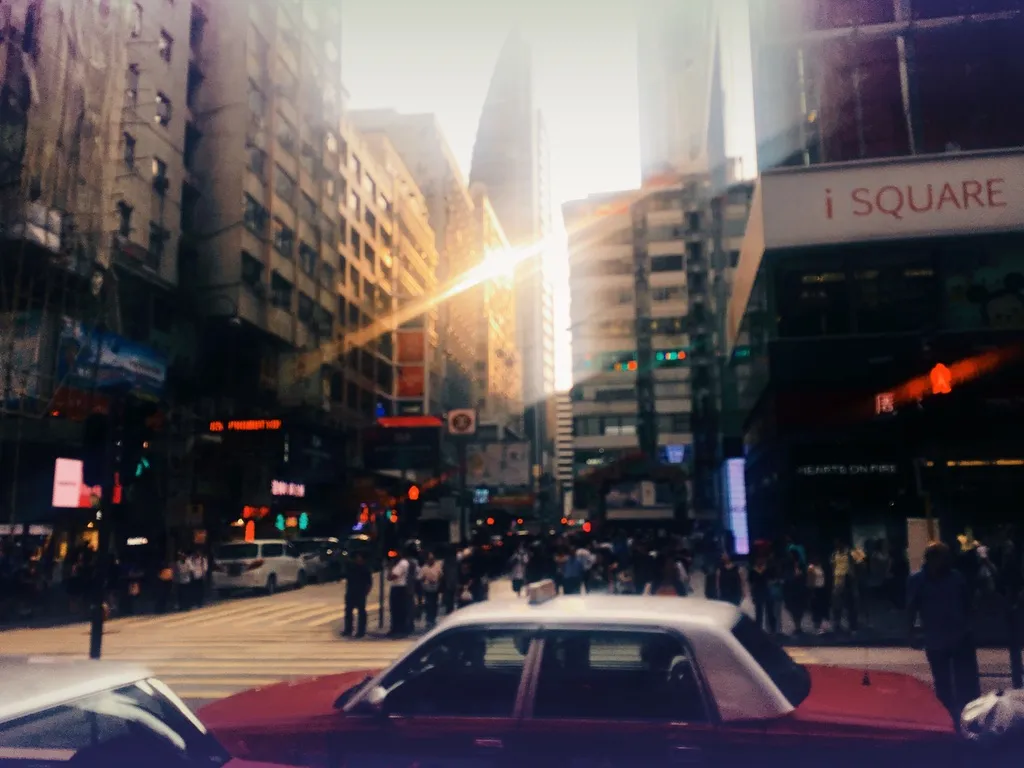 Grain
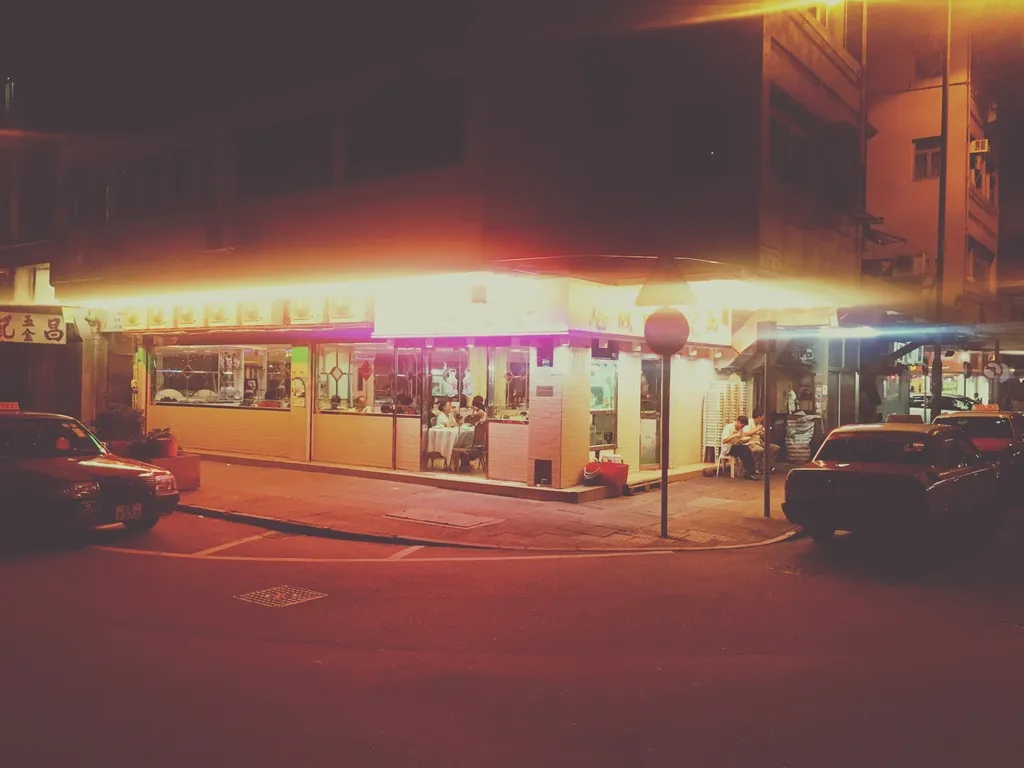 Earlybird
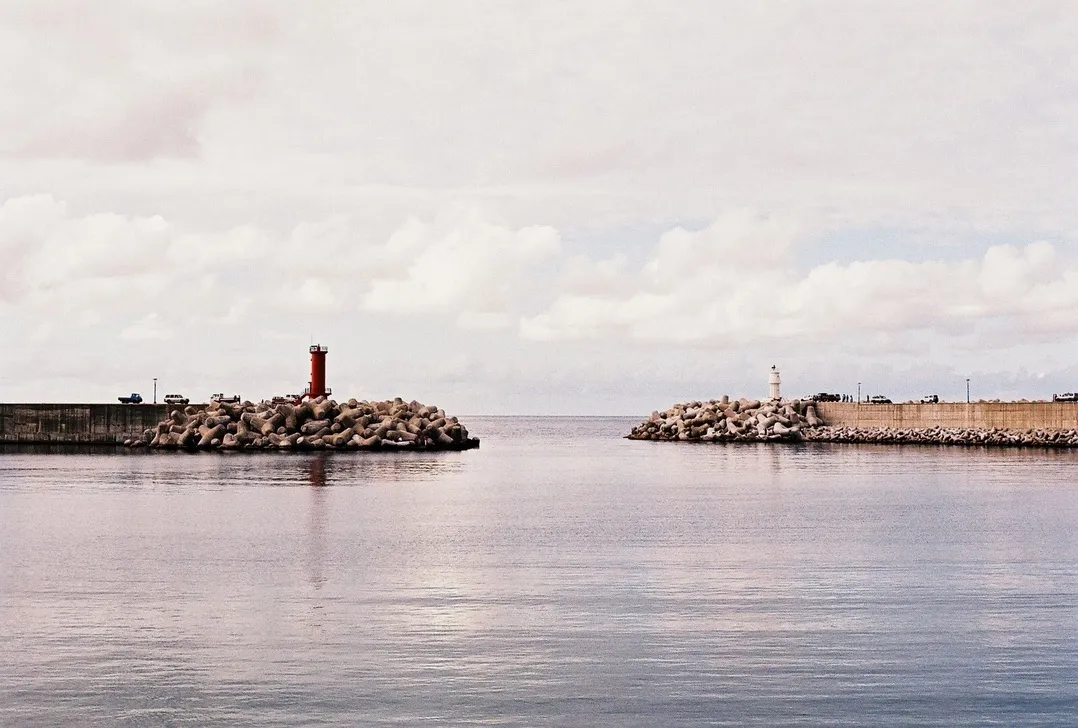 Clarendon
 Slumber
Glass UI
Camera controls sit on the system glass material: blur and depth from iOS, not a drawn imitation.
Features
Cinematic, film stock, analog, mood, vintage and black and white looks
Fuji and Kodak film-stock looks, analog stocks such as Gold 200 and Portrait 400, and Instagram-era classics. 8 filters are free; the rest are in Premium.
Lens, blur, glow, light leak, flare, halation, double exposure and VHS
26 effects run on the viewfinder, so you see the result before pressing the shutter. Some are free; the glow and VFX groups are in Premium.
Skin smoothing, big eyes, slim face, rosy cheeks, portrait blur
Eight face effects follow the face in the frame. Portrait blur and bloom are free; the rest are in Premium.
Crop, color, tone curves and removal of selected people and objects
Edit in the app after the shot: adjust color and curves, crop, or erase a person or object you select. Object removal runs on the device.
RAW and 48MP capture on supported iPhones
RAW keeps the sensor data for editing later; 48MP gives full-resolution files. Both are part of Pro2Camera Premium.
8 date stamp styles, including location
Put a date on the frame the way film cameras did: retro LED, classic, minimal, full timestamp, film strip, typewriter, round stamp, or GPS address with date.
Workflow
Pick one of 101 filters, load a camera preset, set ISO, shutter and white balance, and check exposure on the live histogram.
Capture in RAW, 48MP or one of the other image modes, with live effects and date stamps already on the viewfinder.
Adjust color and curves, crop or remove an object, then keep the photo in the built-in album or save it to Photos.
For Creators
For people who want their phone camera to feel deliberate: manual controls, a live histogram and a look chosen before the shot.
For people who like Fuji and Kodak film tones and lens effects, and want them on the viewfinder without a desktop workflow.
For mobile-first creators who need RAW capture, date stamps and an editor in one fast iPhone app.
Get the app
Pro2Camera is free to download on the App Store, with in-app purchases for Premium and Lifetime.
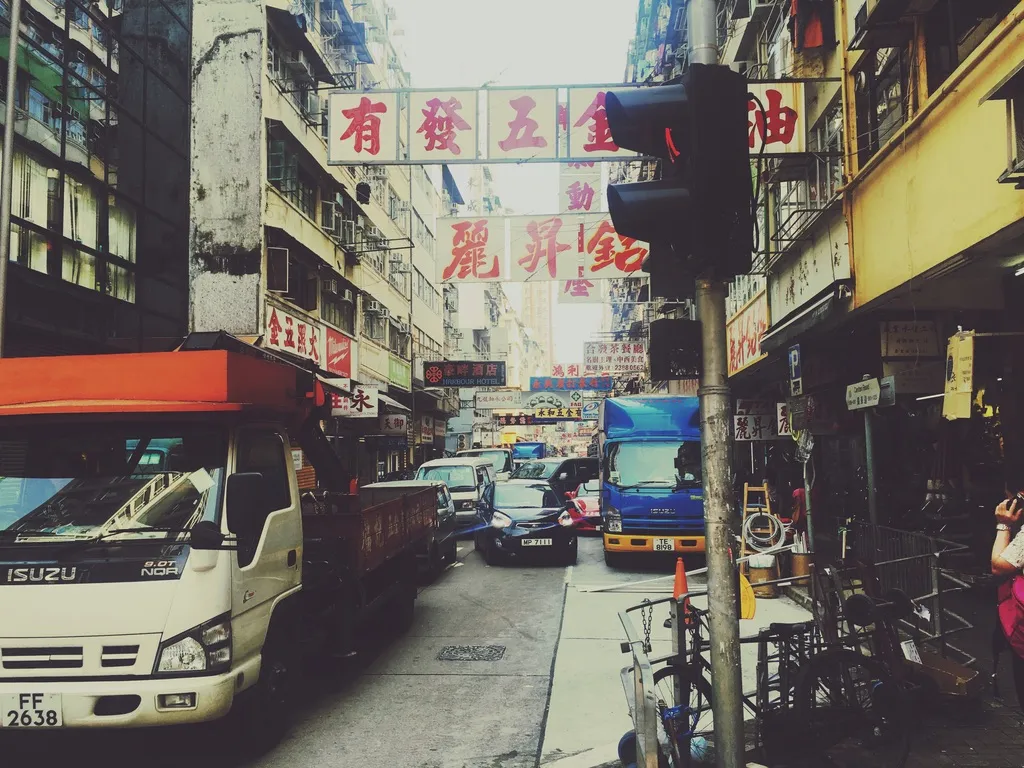
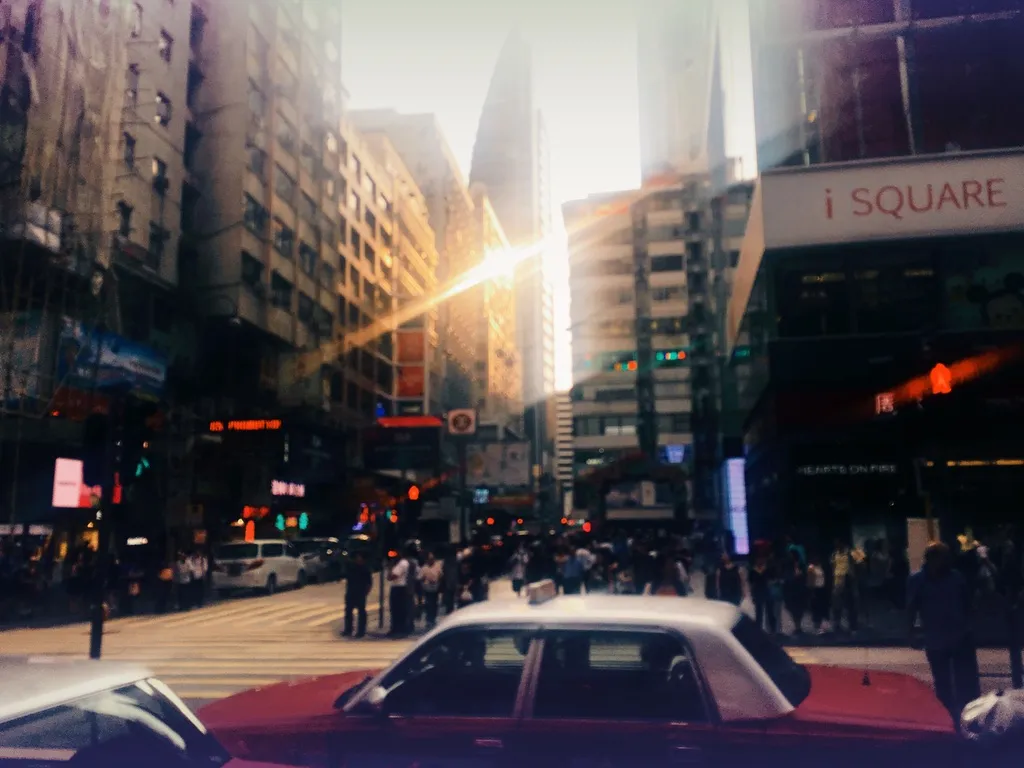
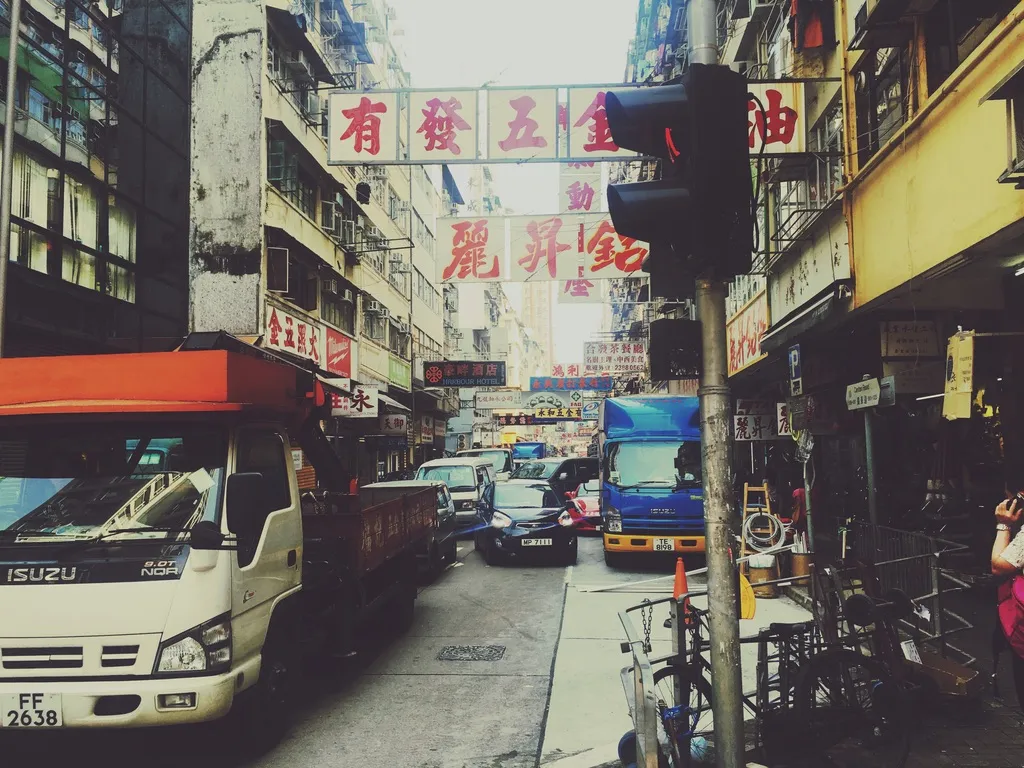
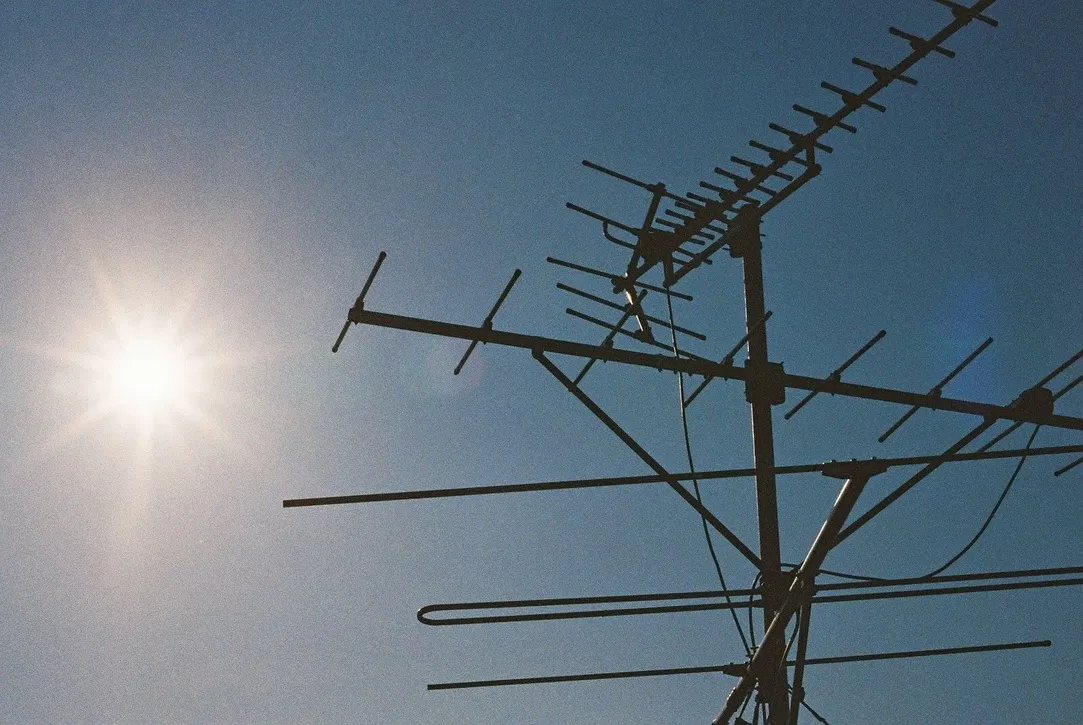

Pro2Camera (App Store name: RAW Camera - Pro2Camera) is an iPhone camera app by Pentarab. It has manual exposure, focus and white balance controls, RAW and 48MP capture, a live histogram, 101 film filters, live effects and a built-in photo editor.
Yes. ProRAW and 48MP capture are available on supported iPhones and are part of Premium. Which capture modes you see depends on the device and settings.
It is free to download, with in-app purchases. 8 filters are free. Premium (1 month or 1 year, renewed automatically) adds RAW and 48MP capture, 60+ premium filters, premium and face effects, the photo editor, and stamps and watermark. A one-time Lifetime purchase is also offered in the app. Prices are shown in the app for your region.
Pro2Camera needs iOS 26 or later. ProRAW and 48MP capture need an iPhone that supports them.
Yes. ISO, shutter speed (from 1/1000 s up to the longest exposure the camera allows, 1 second on iPhone), white balance, exposure compensation and focus are manual. A live histogram, an exposure level bar and average, center and spot metering show how the frame is exposed.
Yes. The built-in editor crops, adjusts color and tone curves, and removes selected people and objects on the device. It is part of Premium.